


























Guide
How do I hide my address on Google Business Profile?
Estheticians, lash artists, stylists and massage therapists who work from home, from a suite, or at their clients' homes5 min readNovember 2026
The short answer
Google lets you hide your address only if you're a service-area business, one that goes to clients and doesn't serve them at its address. If clients come to your home studio or suite, you usually aren't one, and Google may suspend profiles that break its guidelines. If you qualify, select Edit profile, then Location, then Edit next to Business location. Turn off Show business address to customers and save.
It depends on whether clients come to you
I read Google’s Business Profile help pages in November 2026, and the rule is in two of them. The page on managing your address says “You should only choose to not show your address if your business is a service-area business.” The guidelines say the same thing from the other side: if you are one, you should hide it.
A service-area business, in Google’s words, is one that “visits or delivers to customers directly but doesn’t serve customers at their business address.” Google’s examples are plumbers and cleaning services. So the question is where you see clients, and working from home doesn’t answer it on its own.
It matters because Google’s guidelines open by saying you have to follow them to keep your profile from being suspended, and its page on suspensions says “We may suspend or disable Business Profiles that don’t follow our guidelines.”
Where you see clients decides it
You go to your clients. If you do mobile facials or massage in clients’ homes, you’re a service-area business. Hide the address and list the areas you serve. Google’s own example is a plumber who runs the business from home, and the instruction is to “clear the address from your Business Profile.”
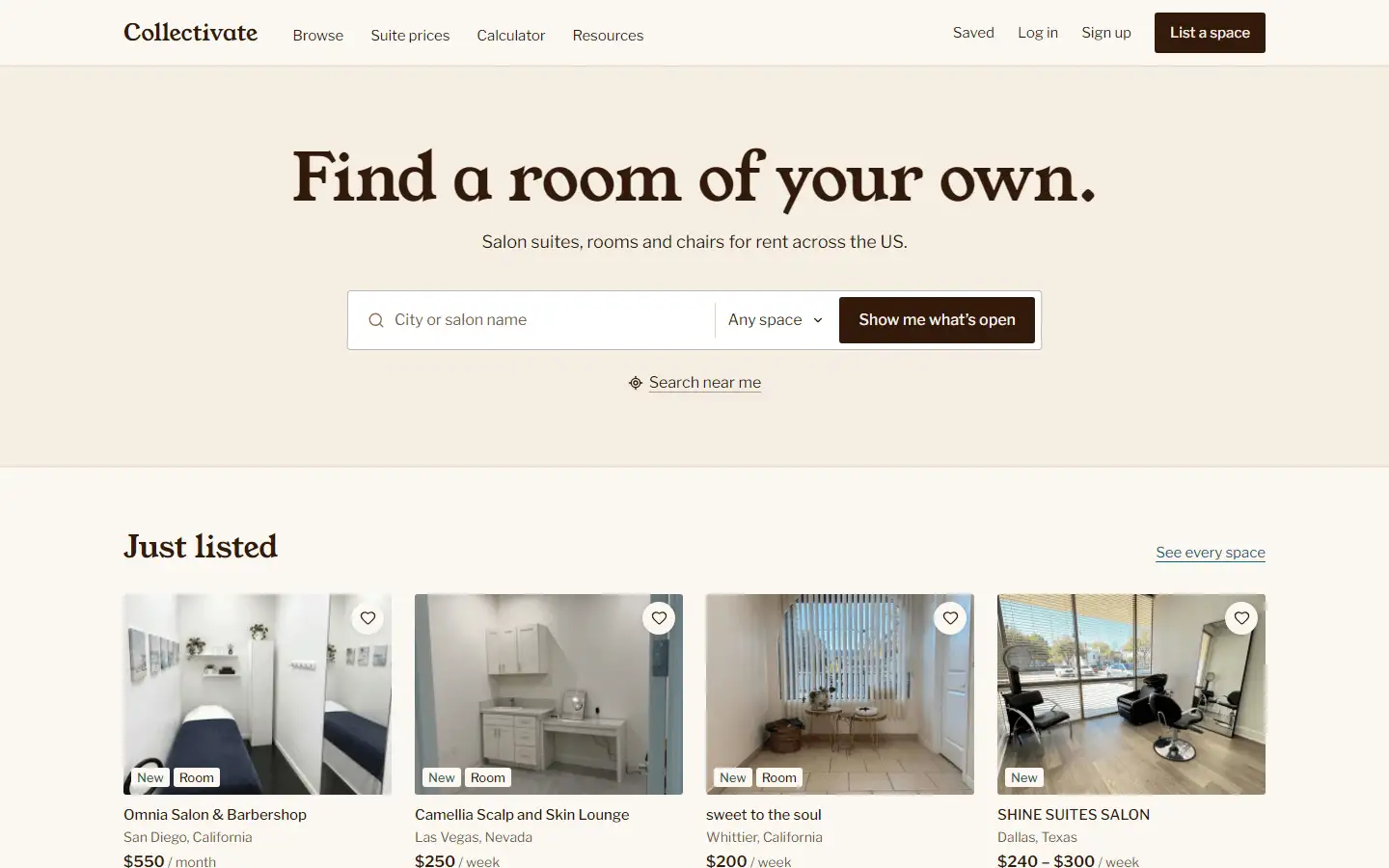
Clients come to your suite. That means you serve clients at your address, so you aren’t a service-area business, and the address shows. The suite number goes on Address Line 2. Google’s tips for local ranking list your full address among the things to fill in “if your business has a location that customers can visit.”
Clients come to your home studio. Your home is your business address, so by Google’s definition you aren’t a service-area business either, and you’re only meant to hide an address if you are one. Two more of Google’s rules matter here. The address on your profile is public, and the guidelines say “Businesses showing their address on Google should maintain permanent fixed signage of their business name at the address.”
So the setup Google’s rules describe is a permanent sign with your business name at your door, and the address showing on your profile. If you can’t put up a sign, or you don’t want your home address public, Google’s help doesn’t describe a setup for that unless you also travel to clients, which is the next case. I’d ask Google’s Business Profile support before changing anything. Their help pages have a Contact us link at the bottom.
You do both. Clients come to your home studio and you also go to theirs. Google calls that a hybrid business, and its service-area page says: “If your business doesn’t have permanent on-site signage, it’s not eligible as a storefront and should be listed as a service-area business.” Without a permanent sign, you hide the address and list your service areas. With one, you can show the address and set service areas too, and Google says the location should be “staffed by your team and able to receive customers during its stated hours.”
How to hide your address
Google’s help calls this “Remove your address”, and it’s the same switch whether you think of it as hiding or removing. Google’s steps:
- Go to your Business Profile.
- Select Edit profile, then Location.
- Next to “Business location,” select Edit.
- Turn off Show business address to customers.
- Select Save.
Google reviews edits to a verified profile against its guidelines. It says that usually takes up to 10 minutes, and sometimes up to 30 days.
Then set your service area
Google’s steps:
- Go to your Business Profile.
- Select Edit profile, then Location.
- Next to “Service area,” select Edit.
- Select a suggested service area, or enter one. You can set up to 20, based on the cities, postal codes or other areas you serve.
- Select Save.
You can’t set the area as a radius around your business, and the whole area shouldn’t be more than about 2 hours of driving time from where your business is based. Google asks you to be “as specific and accurate as possible.” Once they’re approved, service area edits can take up to 48 hours to show.
If you skip this step, Google chooses a local area for you, and you can edit it later.
What your profile shows afterward
From Google’s help: once the address is hidden, your profile shows only your service area. People searching for your service or its category on Maps or Search can still find your profile and the areas you serve, and it shows up “in a list of profiles and next to similar businesses in your area.” The pages I read don’t say whether hiding the address changes where you rank.
Verifying without a storefront
If your profile isn’t verified yet and Google offers you video verification, there’s a version for service-area businesses. The video has to show where you operate, and Google’s tip for a business run from home is that you can record landmarks and signs in your immediate neighborhood. It also has to show that the business exists, with things like your tools, products, workspace or business cards, and that you manage it, by recording yourself doing a service or showing a business document, like a permit or a utility bill, in the name on your profile.
You record it live on your phone, from your Business Profile: tap Get verified, then Business video. It has to be one unedited take of at least 30 seconds, and other people’s faces aren’t allowed, so keep your clients’ faces out of the shot. Google says the review can take up to 5 business days.
Make your website say the same thing
If you’ve hidden your address on Google, I’d leave it off your website too and name the areas you serve instead, so the two agree. If clients come to you, write the address on your site exactly the way your profile shows it, suite number included. Why a salon isn’t showing on Google Maps has more on keeping those details matched.
If your profile has already been suspended
Google’s appeals tool is the way back, and Google says not to create a new profile for the same business. Its appeals page asks you to make sure the profile follows all the guidelines before you submit, and an appeal can only be submitted once. You can attach evidence like a business license or a utility bill, and Google asks that the name and address on those documents match the profile.
If you’d rather hand the profile over to me, Google Business Profile optimization comes with The Refresh, at $600, and The Full Bloom, at $1,000. You can run your website through the free audit on the home page first, or just send it to me and I’ll take a look.
The questions this usually leads to
Short answers, and if yours isn't here, just ask.
Can a home-based business have a Google Business Profile?
Yes. Google's guidelines say you can create one if your business has a physical location customers can visit, or travels to customers where they are. Its eligibility rules add that the business has to make in-person contact with customers during its stated hours, so an online-only business isn't eligible. Whether your home address shows depends on whether clients come to you.
Should I hide my address if I see clients at home?
Google's rules say no, unless you also go to clients and have no permanent sign. Google says to hide an address only if you're a service-area business, which doesn't serve customers at its address. It also says a business that sees customers at its address and goes to them too, with no permanent on-site signage, should be listed as a service-area business, which hides the address.
What does my profile show after I hide my address?
Google says your profile shows only your service area. If you haven't entered one, Google chooses a local area for you, and you can change it later. Google says people searching for your service or its category on Maps or Search can still find your profile and the areas you serve, in a list next to similar businesses in your area.
How big can my service area be?
Google allows up to 20 service areas, set by city, postal code or another type of area. It doesn't allow a radius around your business. The whole area shouldn't be more than about 2 hours of driving time from where your business is based, though Google says larger areas may be appropriate for some businesses.
I work from a salon suite. Should I hide my address?
Not if clients come to you there. Then you aren't a service-area business by Google's definition, and Google says to hide an address only if you are one. Google's guidelines put the suite number on Address Line 2. Write it the same way on your website as it appears on your profile.
Beep me
Tell me a bit about your studio and what you'd like to fix. I read every message myself and I'll usually get back to you within a day. No pressure, and if I don't think you need me, I'll say so.