

Guide
How do I add GlossGenius booking to my website?
Estheticians, lash artists and stylists who book through GlossGenius and have, or want, their own website4 min readSeptember 2026
The short answer
Link to it. GlossGenius's help center documents two ways to put booking on a separate website: a Book Now link to your GlossGenius address, and a snippet that opens your booking site in a popup window. On Squarespace the link can go on a button, in the header or in the menu. GlossGenius can also make a link that opens with one service already selected, which suits the Book button on a treatment page.
What GlossGenius supports
GlossGenius’s help center has an article about using your booking site alongside a website of your own. It says many of their professionals add a simple Book Now link to their existing site, and it gives the code for a link and for a link that opens in a popup window.
I read it in September 2026. It doesn’t mention embedding the booking calendar inside a page, and I haven’t found an embed option anywhere else in their help center. So I’d plan on a link.
1. Get your booking address
Your booking site lives at yourname.glossgenius.com. In the GlossGenius
mobile app it’s under Settings, then Website, then Share Website.
Settle the address before you put it on buttons. GlossGenius lets you change the part before “.glossgenius.com” under Settings, Website, Change Website URL. Their help center says visitors to the old address land on the GlossGenius homepage, so every button pointing at the old one would need updating.
2. Put it on a button
Any website builder that lets you add a button with a link can do this. Paste
your GlossGenius address in as the link. If you’re adding it as HTML, it’s an
ordinary link, and GlossGenius’s version is
<a href="https://yourname.glossgenius.com/" target="_blank">Book an Appointment</a>
with your own address in it. The target="_blank" part opens booking in a new
tab, so your site stays open behind it.
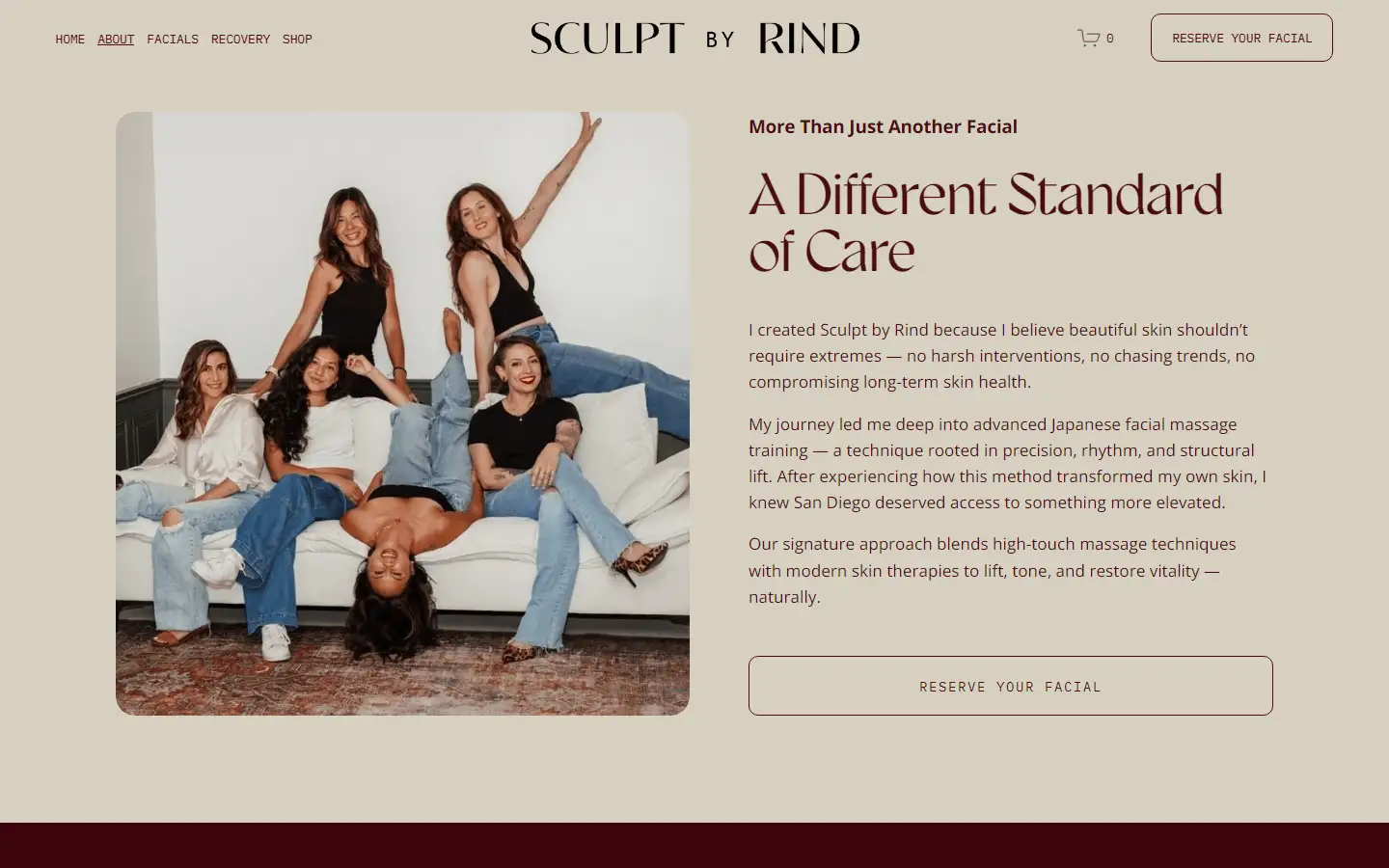
On Squarespace there are three places for it. These steps are from Squarespace’s help center for version 7.1, which I read in September 2026.
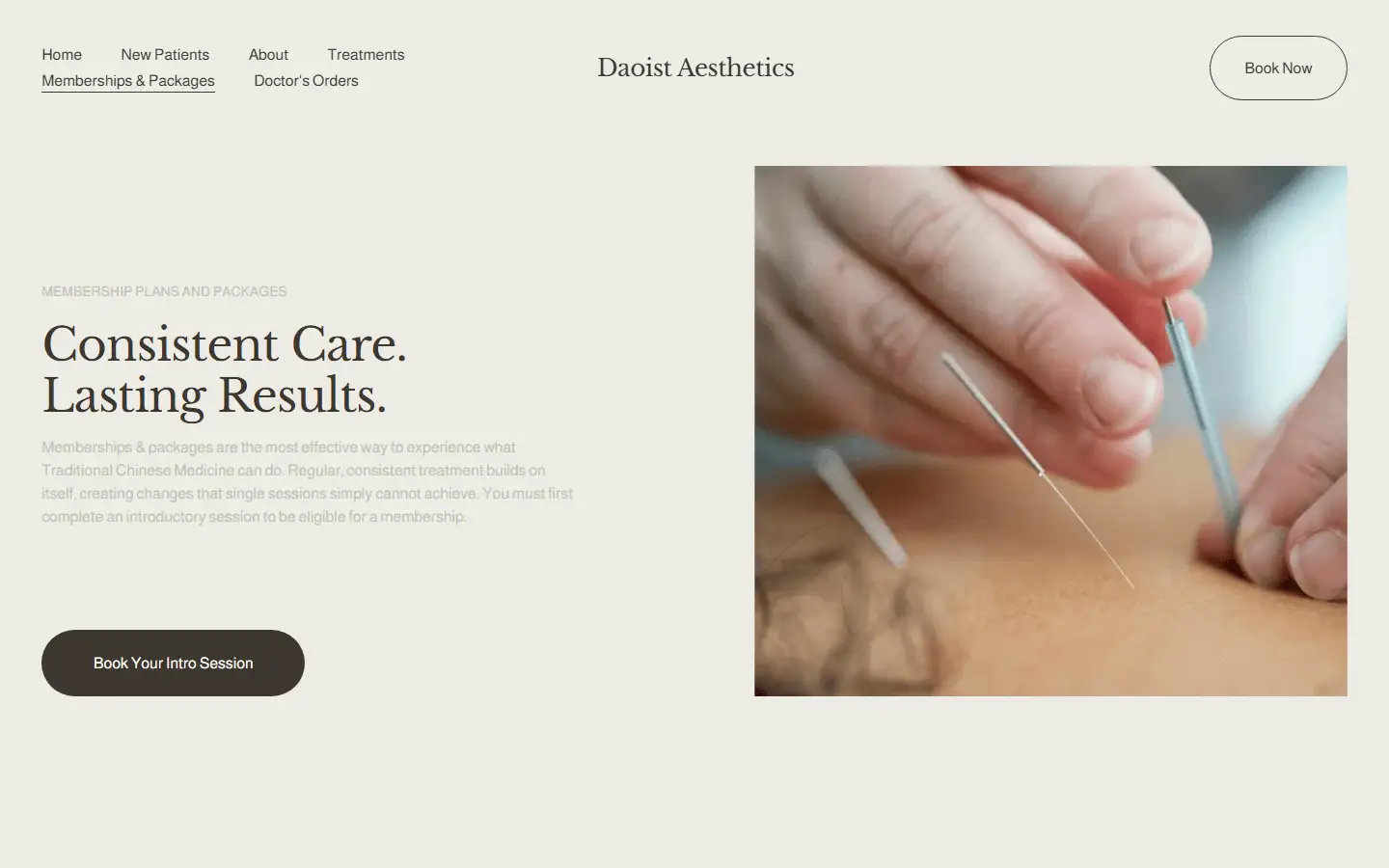
A button on a page. Edit the page, hover over the section and click Add block, then Button. Click the pencil icon on the block. Type the button’s words in the Text field, which Squarespace suggests keeping under 25 characters. Then attach a link and paste your GlossGenius address under URL.
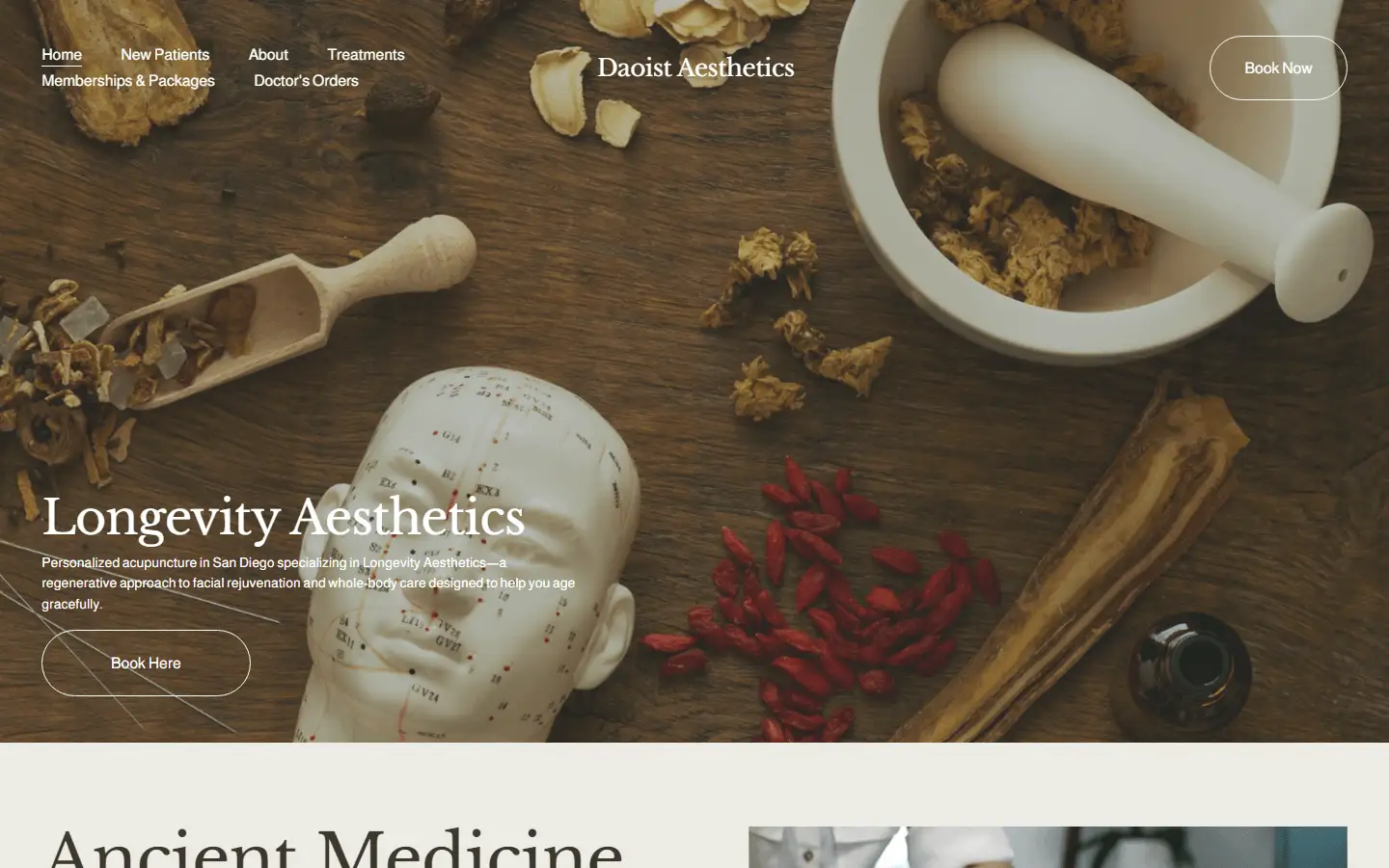
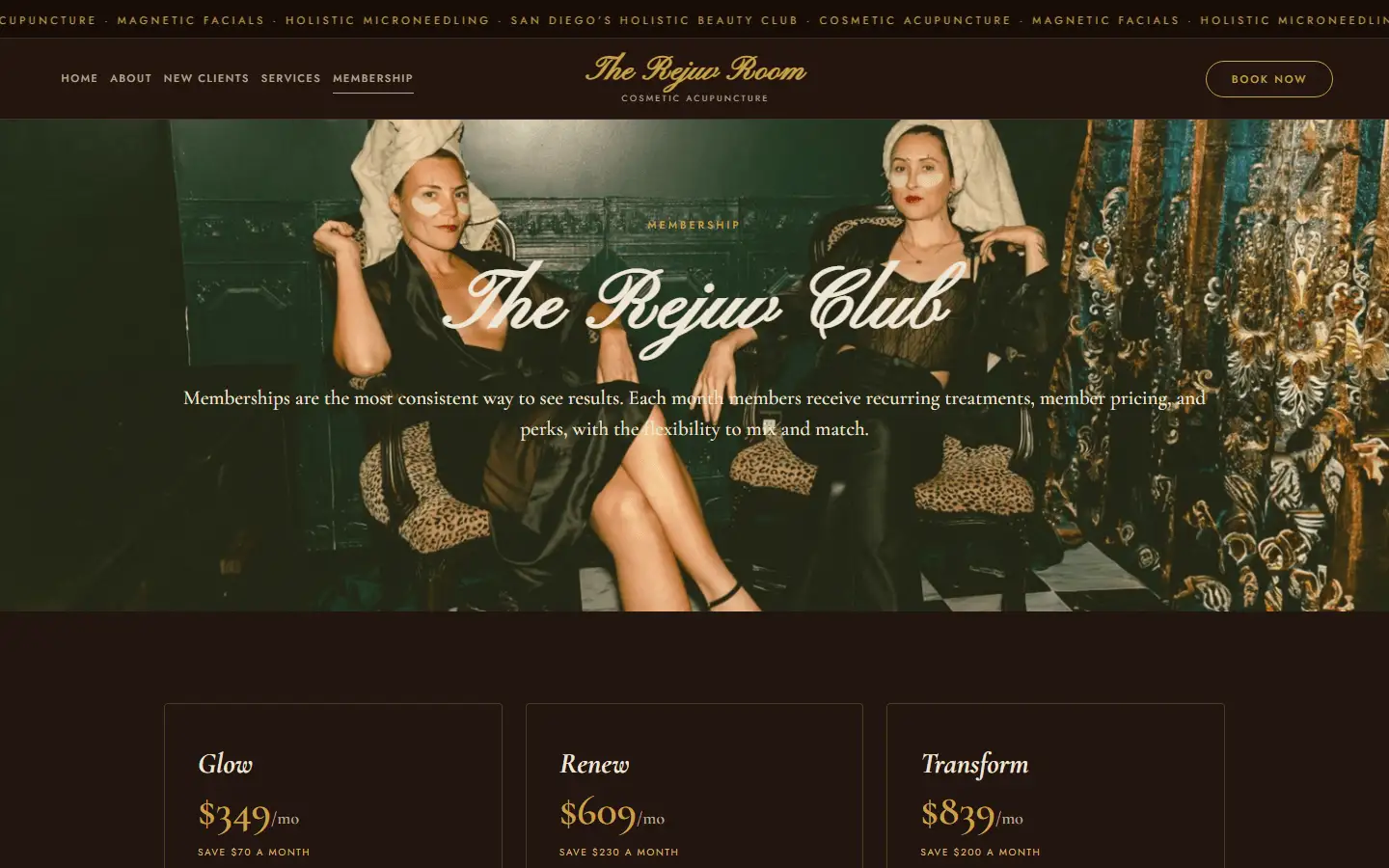
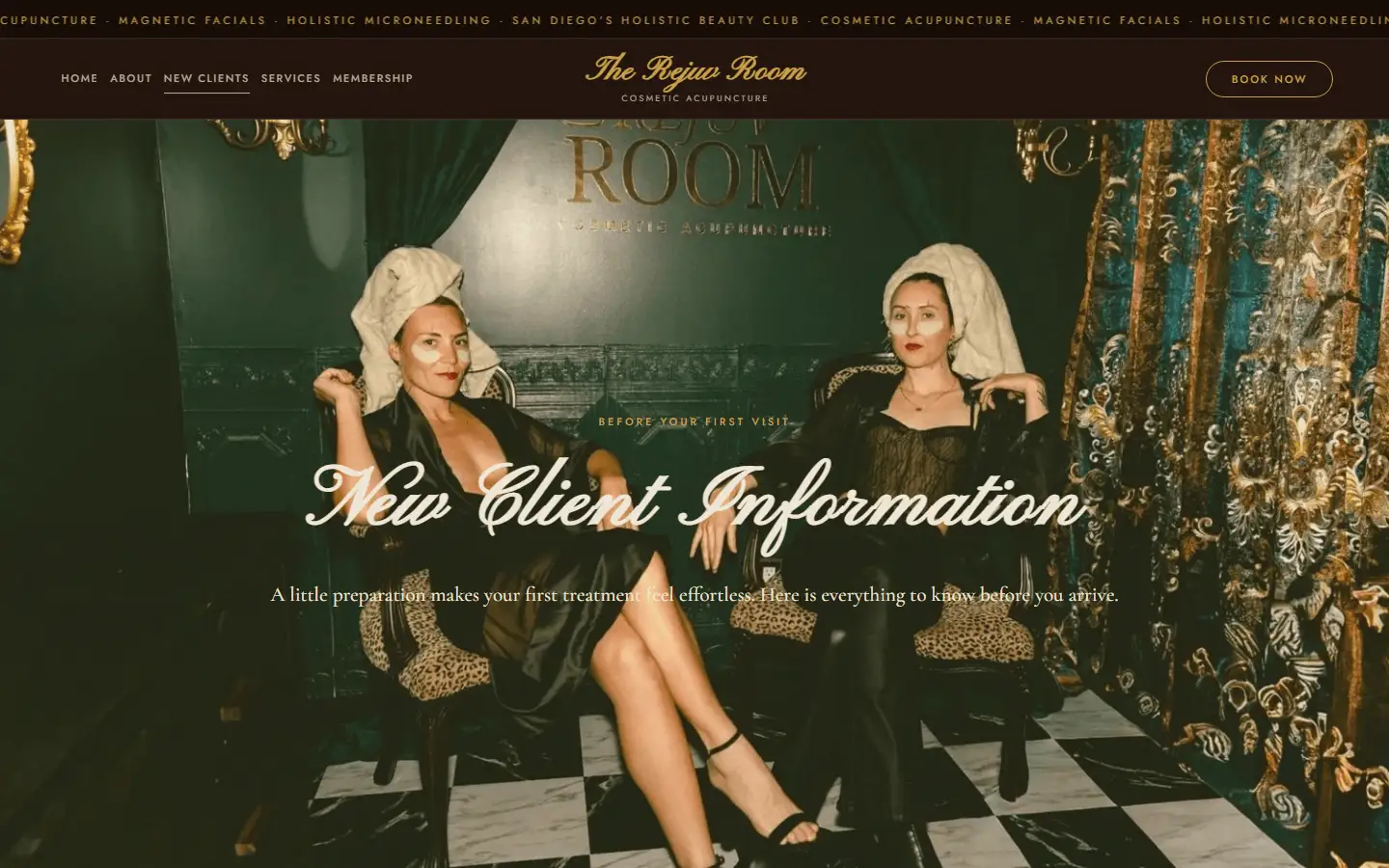
A button in the header. Open the Pages panel, click Edit, hover over the header and click Edit site header. Click Add elements and switch the Button toggle on. Click the new button, then Edit design, and set its text and link under Content. Squarespace says that on mobile the button always appears below your navigation links.
A link in the menu. In the Pages panel, click the + icon, then Link. Give it a title like “Book” and paste your GlossGenius address as the link. There’s a toggle for opening it in a new tab.
All three are links, so they work on every Squarespace plan.
3. Link each treatment page to its own service
GlossGenius can make a link for a single service. Their help center says a client who opens it lands on your booking calendar with that service already selected. If the service has options, the client picks one first.
You make it from the web browser login:
- Go to Catalog, then Services.
- Find the service.
- Click the link icon next to it, and copy the link.
You need the Manage Services permission to do it. A service with online booking turned off can’t have a link.
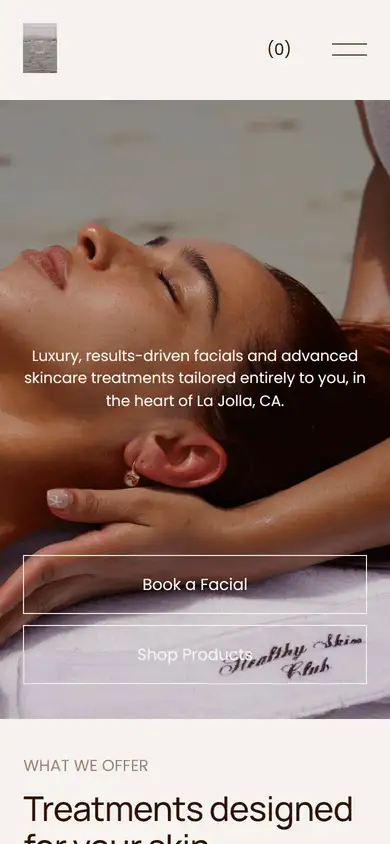
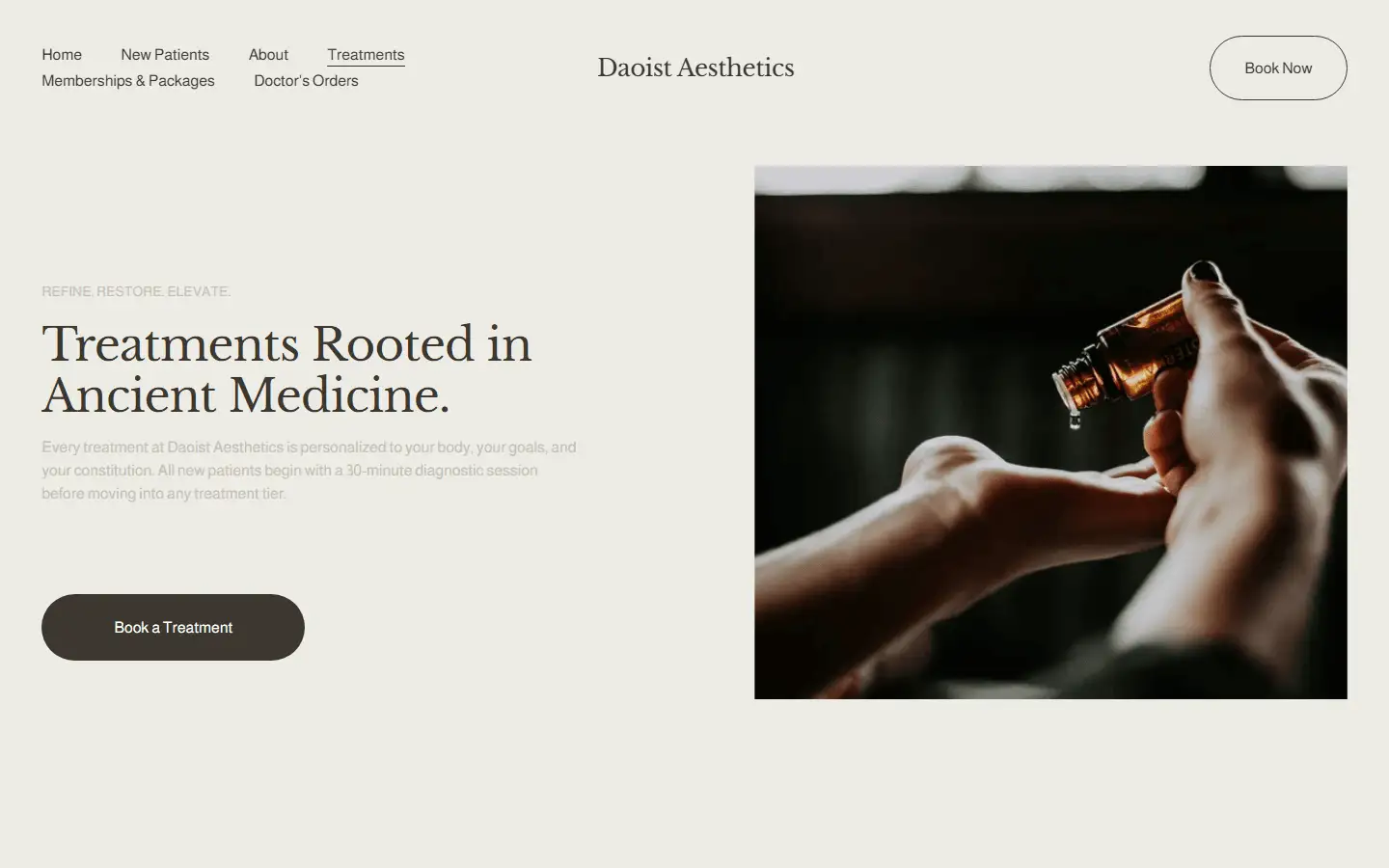
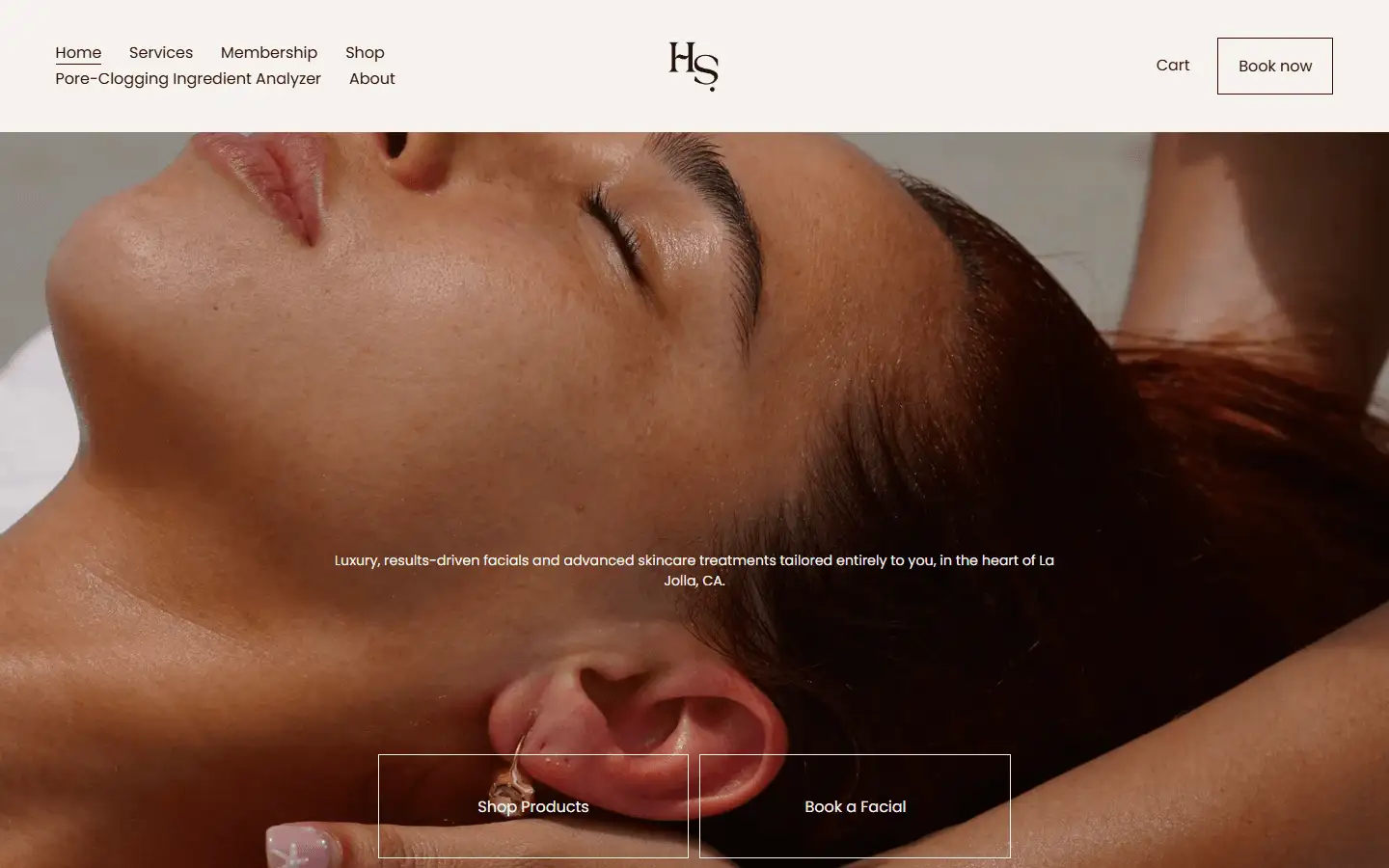
This is the link I’d put on a treatment page. If you’ve built a page for each treatment, the Book button on your dermaplaning page can open booking with dermaplaning already picked.
4. If you have a team
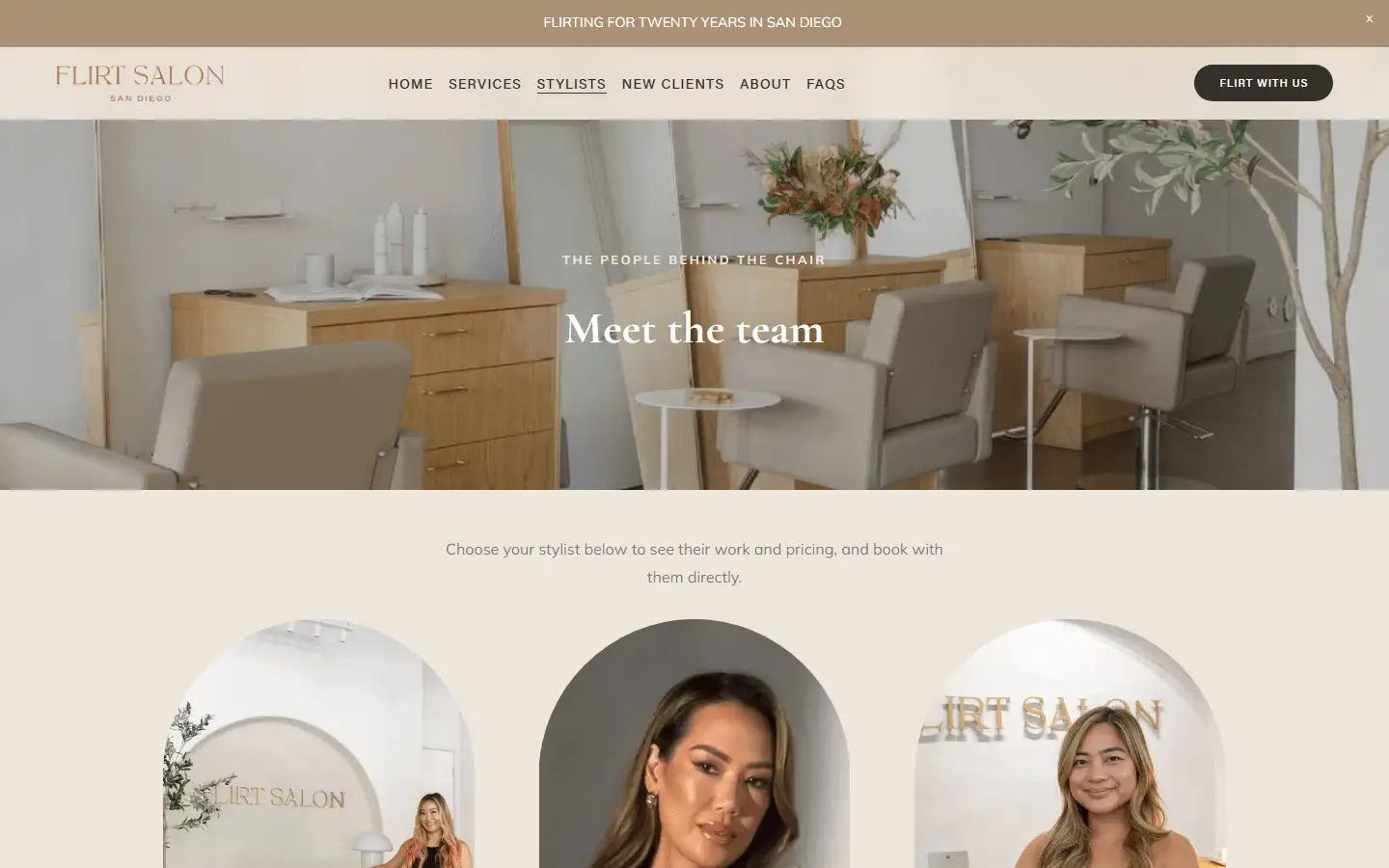
GlossGenius also makes a link for one team member. It opens your booking site filtered to that person’s services and availability. GlossGenius says these are only for businesses with a team.
- In the app (version 7.71.0 or later): Settings, Manage your staff, Staff & permissions, the team member, Personal & Contact Info, then Direct Booking Link.
- In a web browser: Team, the team member’s name, the … menu at the top of the Staff details panel, then Copy booking link.
GlossGenius’s advice is to keep your standard link on your website, because it shows your full team. A page about one stylist is where I’d use theirs.
The popup option
GlossGenius’s article also has a version that opens your booking site in a
small window instead of a new tab. It’s the same link with an onclick
attribute added, which calls window.open with your address, a window name
and a size of 600 by 400 pixels. Copy it from their article and put your own
address and name in.
That onclick part is JavaScript. On Squarespace it would go in a Code block,
and Squarespace lists JavaScript in code blocks from its Core plan up.
I’d use the plain link. It works on every plan, and on any builder that can put a link on a button.
Your domain and your Google profile
If your domain forwards to your GlossGenius address today, it’ll need pointing at your website instead. GlossGenius sets up a custom domain as forwarding at the company you bought the domain from, so that’s where you change it.
On your Google Business Profile, put your own site in the website field. Booking from Google is a separate setup, and GlossGenius has a rule about it that’s easy to miss. It’s in adding GlossGenius booking to Google.
The GlossGenius guide covers what the platform’s own site can and can’t do on Google, and Squarespace for salons and estheticians covers the Squarespace side.
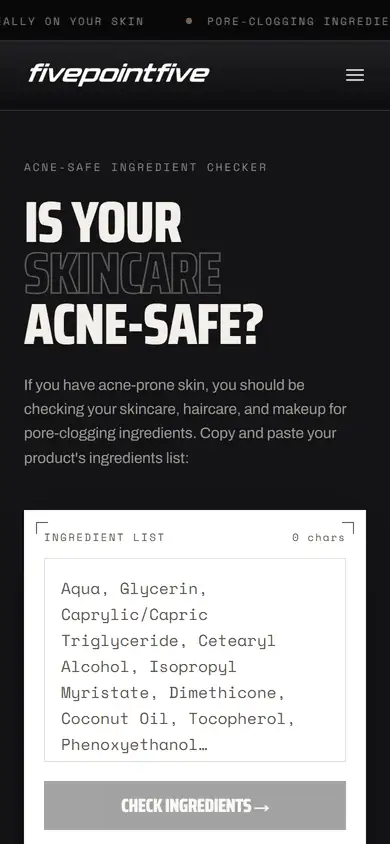
If you’d rather have it built, a new site with the search work is $1,000, once. The free audit on the home page recognizes a GlossGenius address, so you can run yours through it first.
The questions this usually leads to
Same rule as above: short answers, no hedging. If yours isn't here, just ask.
Can I embed GlossGenius booking on my website?
GlossGenius's help center documents a link and a popup window for a separate website. I haven't found an embed option in it, so I'd plan on a button that opens your booking site in a new tab. If embedding matters to you, ask GlossGenius support before you design a page around it.
Does GlossGenius work with Squarespace?
Yes. A Squarespace button, header button or menu link can point at your GlossGenius address, and links work on every Squarespace plan. GlossGenius's popup code uses JavaScript, which Squarespace lists from its Core plan up.
Can a Book button go straight to one service?
Yes. In the GlossGenius web browser login, go to Catalog, then Services, and click the link icon next to the service. GlossGenius says a client who opens that link lands on your booking calendar with the service already selected. A service with online booking turned off can't have one.
Do I need a website to use GlossGenius?
No. GlossGenius says a business website isn't required to use the app or the booking site. A site of your own is worth it when you want a page about each treatment, which the GlossGenius site settings don't include.
Beep me
Tell me about your studio and what you're trying to fix. I read every message myself and usually reply within a day.