







Guide
Is a Canva website good for SEO?
Estheticians, lash artists, stylists and massage therapists with a website built in Canva5 min readNovember 2026
The short answer
A Canva website can handle the basics, if you fill them in. Canva gives each page its own title, description and web address, and makes a sitemap. Publish it on a custom domain, because Canva says a site on its free domain can't use Google Search Console. I found nothing in Canva's website help about structured data, the code that tells Google your address and hours.
What Canva gives you
I read Canva’s help center on Canva Websites in November 2026. This is what it lists for search:
- A title, a web address and a description for every page. They’re in the Publish panel, under Settings, on the Pages tab. Canva recommends 150 to 160 characters for a description, and says not to use the same title or description on more than one page.
- A title and a favicon for the whole site, on the Site tab of the same settings.
- Up to 45 pages, each with its own address.
- A sitemap, made for you, at your domain followed by
/sitemap.xml. - Alt text for images. Select the image, then More, then Alternative text. You get up to 250 characters, though Canva says some formats, PNG among them, don’t support it.
- A Search engine visibility switch, which has to be on for Google to show the site. Search engines also can’t index a page behind a password.
All the text on your site gets indexed, so there’s no keyword box to fill in anywhere. A new site can take weeks to show up on Google.
Magic SEO is Canva’s AI tool for the Pages tab. It writes the titles, descriptions and URL paths for every page at once, from what’s on them. If its button doesn’t appear, Canva suggests adding a sentence or two of text to each page. It does every page or none, and Regenerate SEO replaces what’s already there, including anything you wrote, with no undo. If you’ve written your own, copy it somewhere first.
What depends on your plan and design
The domain. On Canva’s free my.canva.site domain, Canva says you can’t use Google Search Console, and that the site will likely take even longer to be indexed than one on a custom domain. Its advice is “If SEO is important to you, we highly recommend using a custom domain.” Canva’s help says a custom domain needs a paid plan like Canva Pro.
The design type. A Link in Bio or mobile website design publishes only to a canva.link address, so it can’t use a custom domain at all. To get one, resize it to a Website design.
Analytics. Google Analytics needs a paid plan and a custom domain, and Canva turns on a cookie consent banner when you connect it. Canva also has its own Analytics panel on Canva Pro and Teams, with visits, countries, devices and traffic sources.
The free plan. It publishes up to 10 sections per page instead of 20, and puts a “Designed with Canva” footer on the site that can’t be removed.
Structured data isn’t in Canva’s settings
Structured data is code in a page that tells Google what kind of business you are, where you are, your hours and your services, in a format it reads. Google says it uses structured data “to understand the content of the page”, and also that it doesn’t guarantee any feature in search results because of it.
The website settings Canva documents don’t include anywhere to add it. On Squarespace you can add your own through Code Injection, from the Core plan up, and Squarespace for salons and estheticians covers that side.
What I found on a Canva site I rebuilt
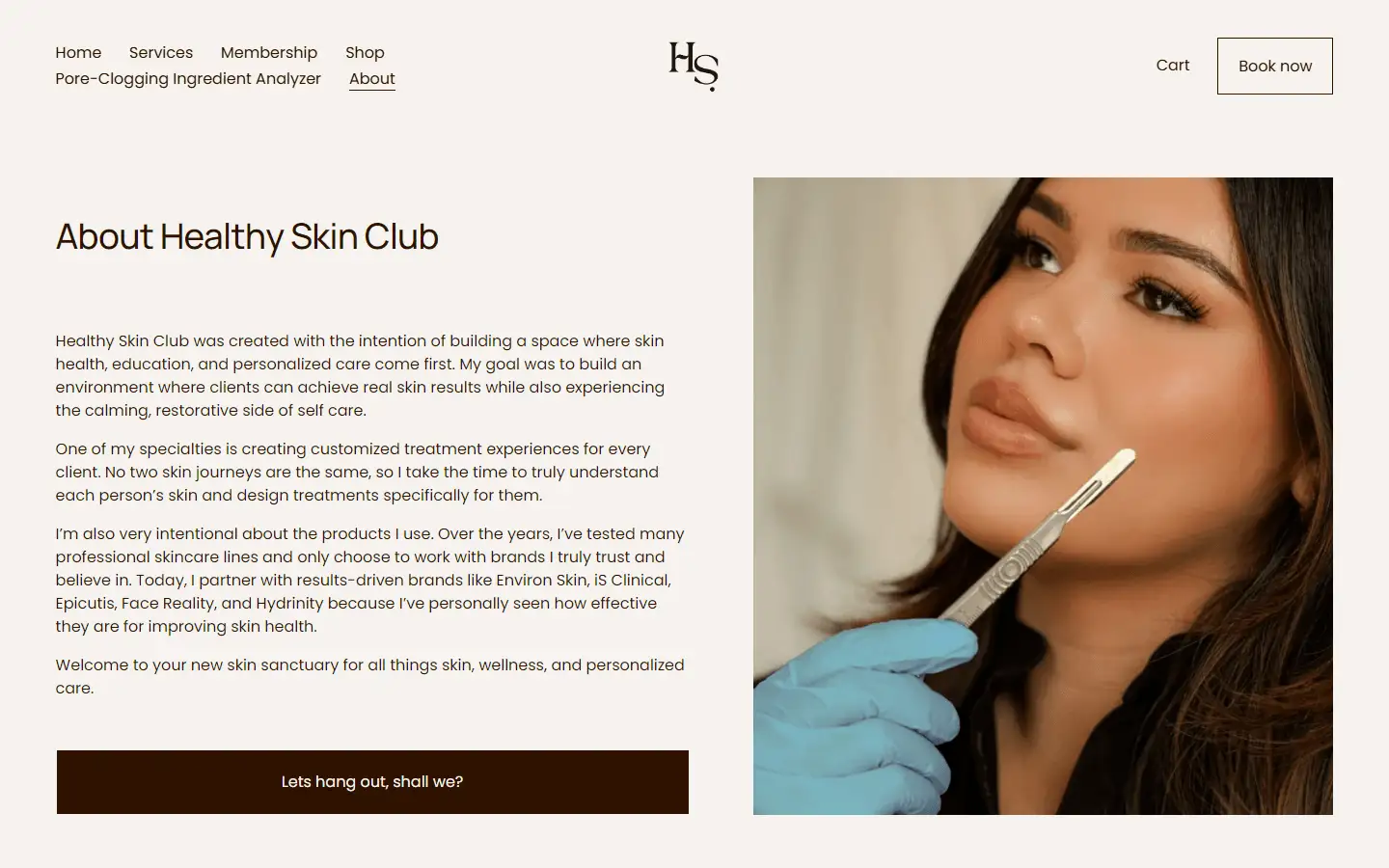
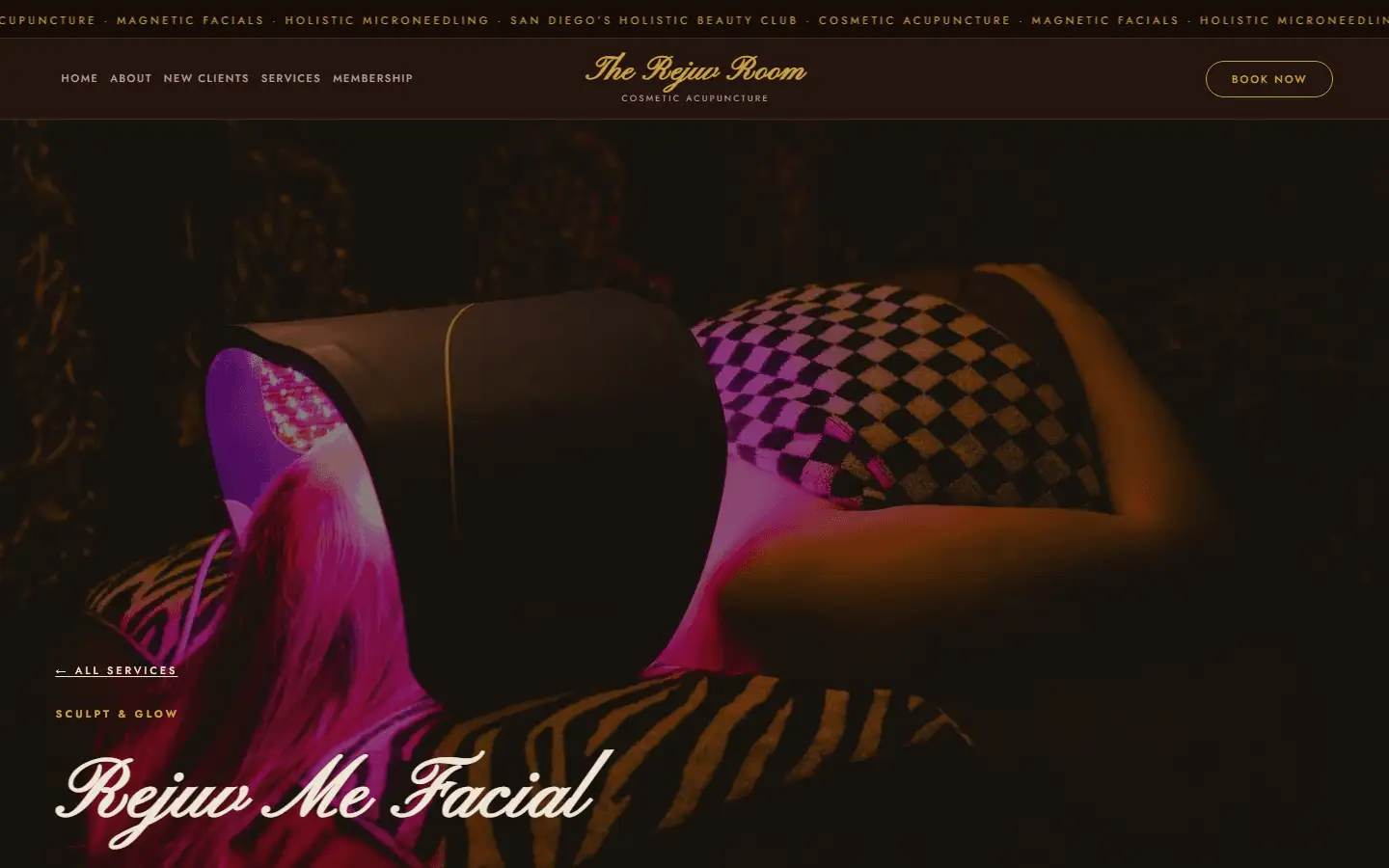
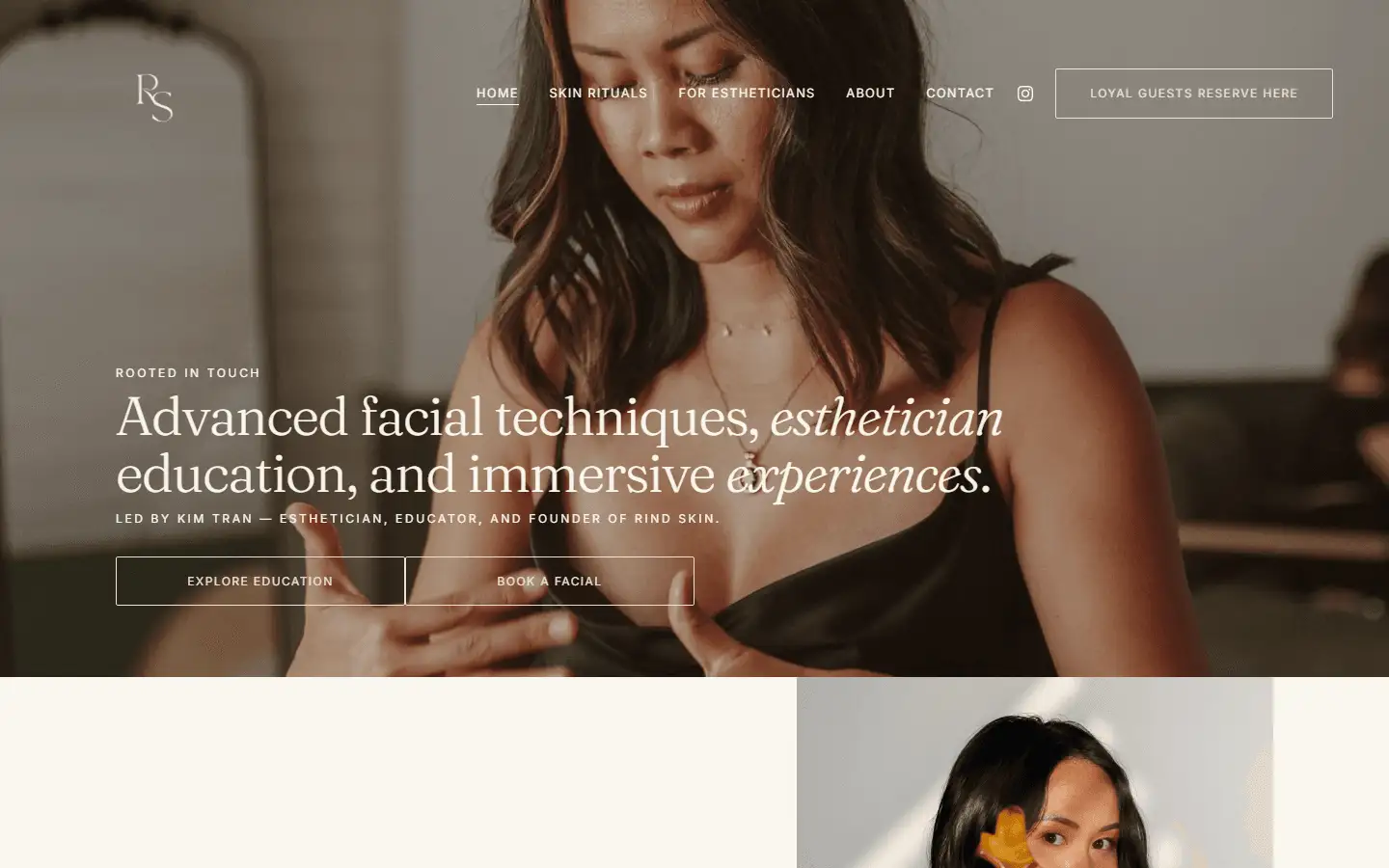
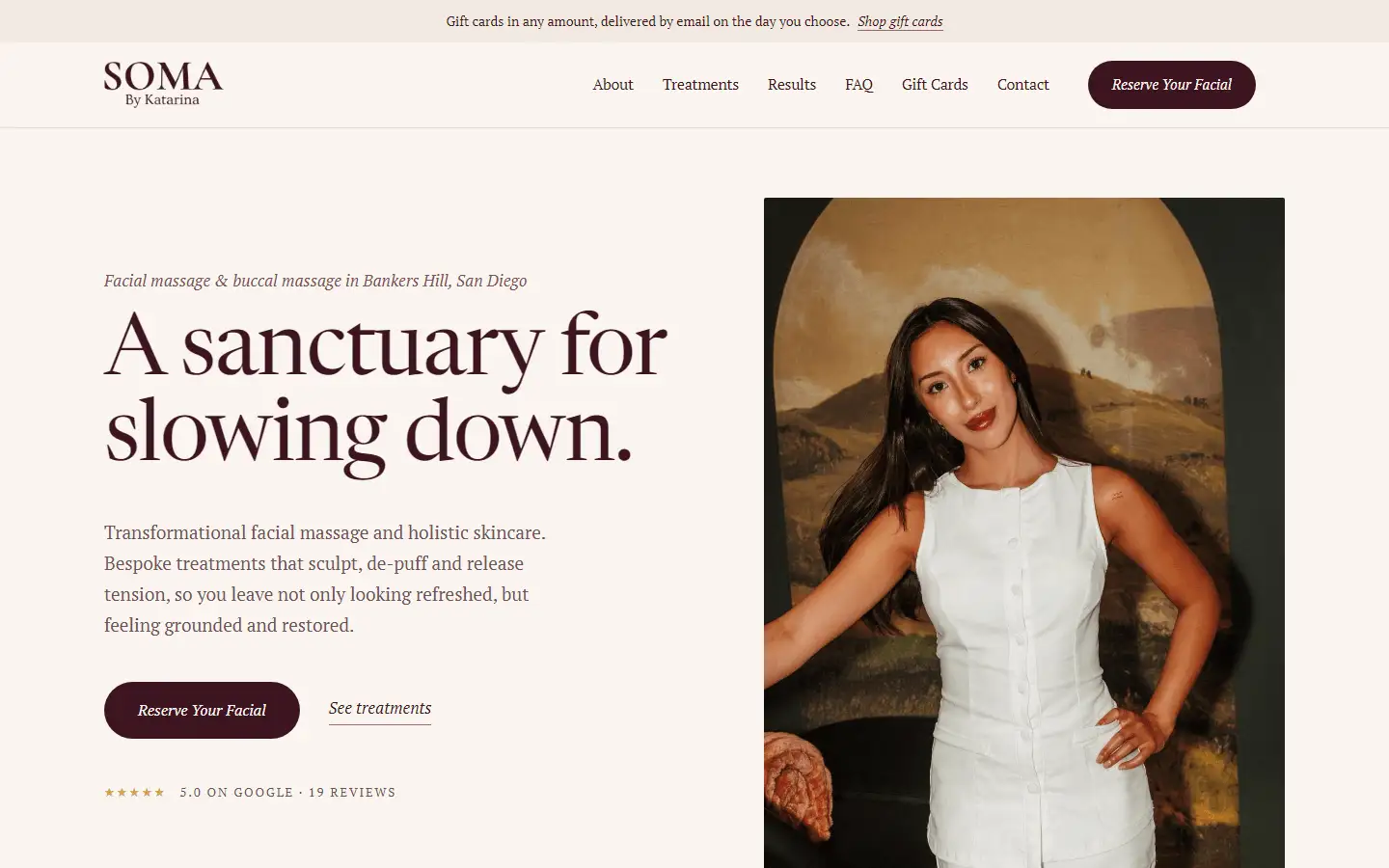
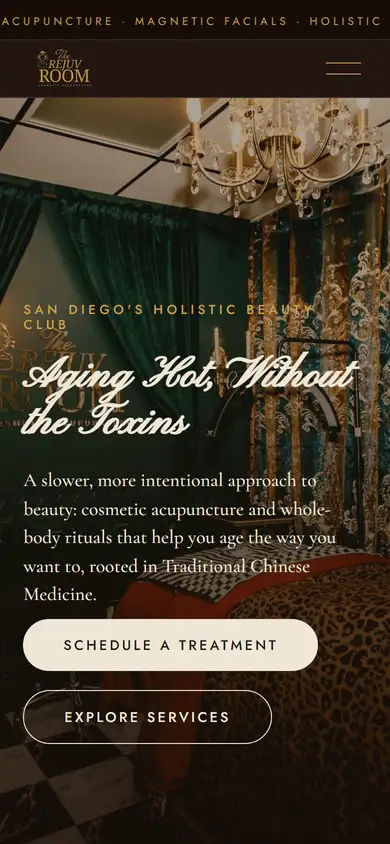
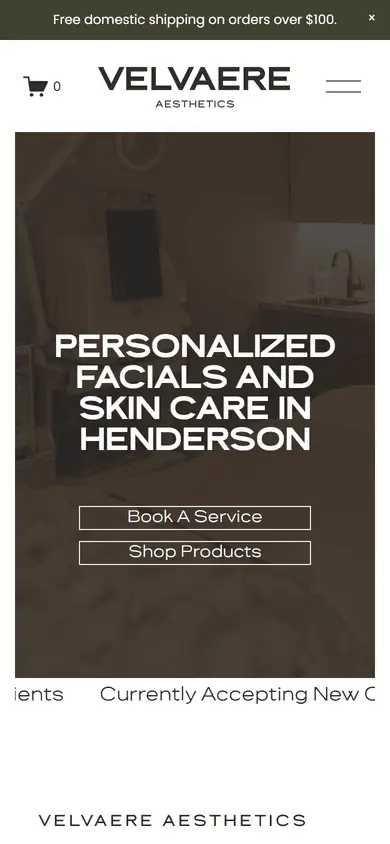
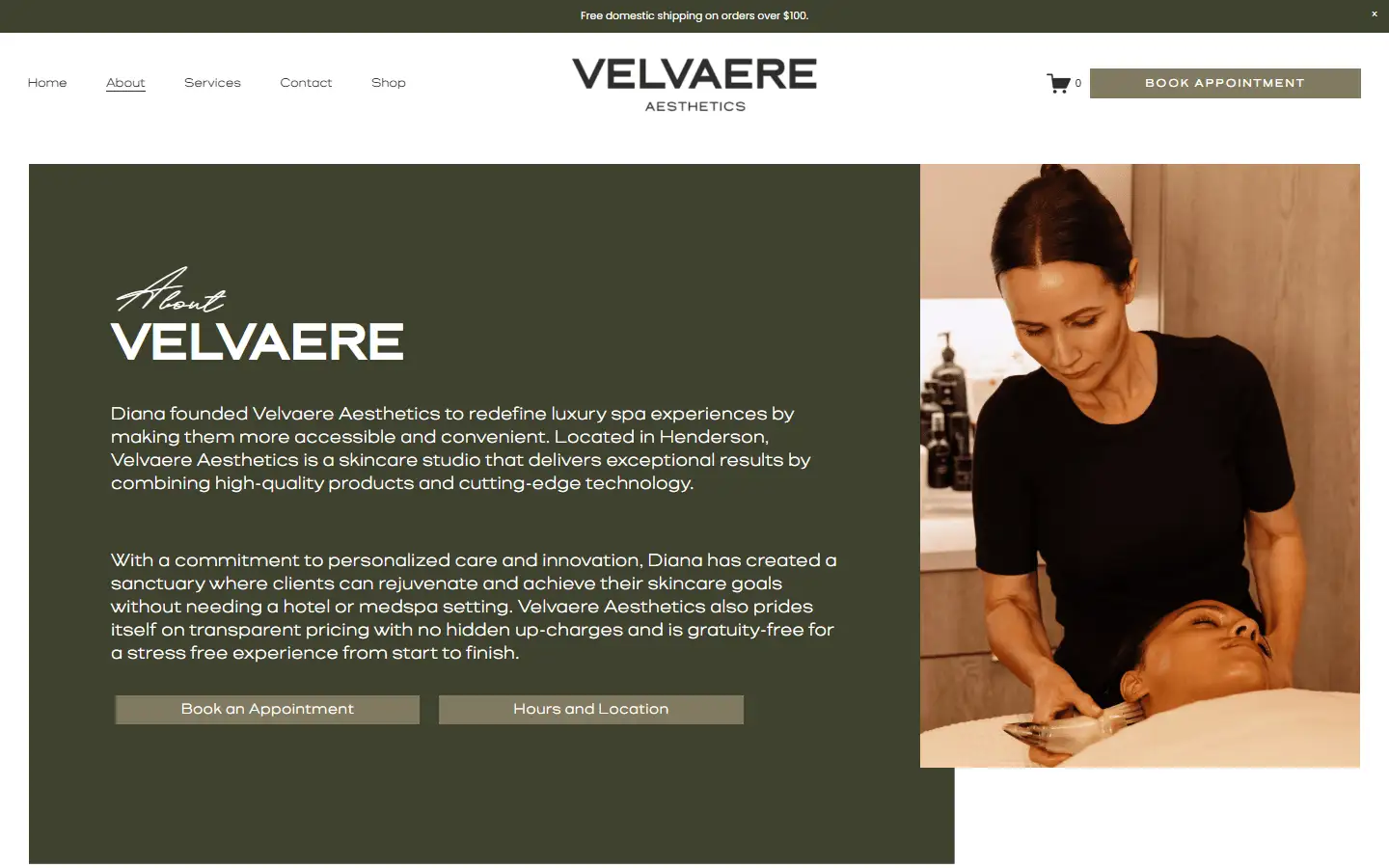
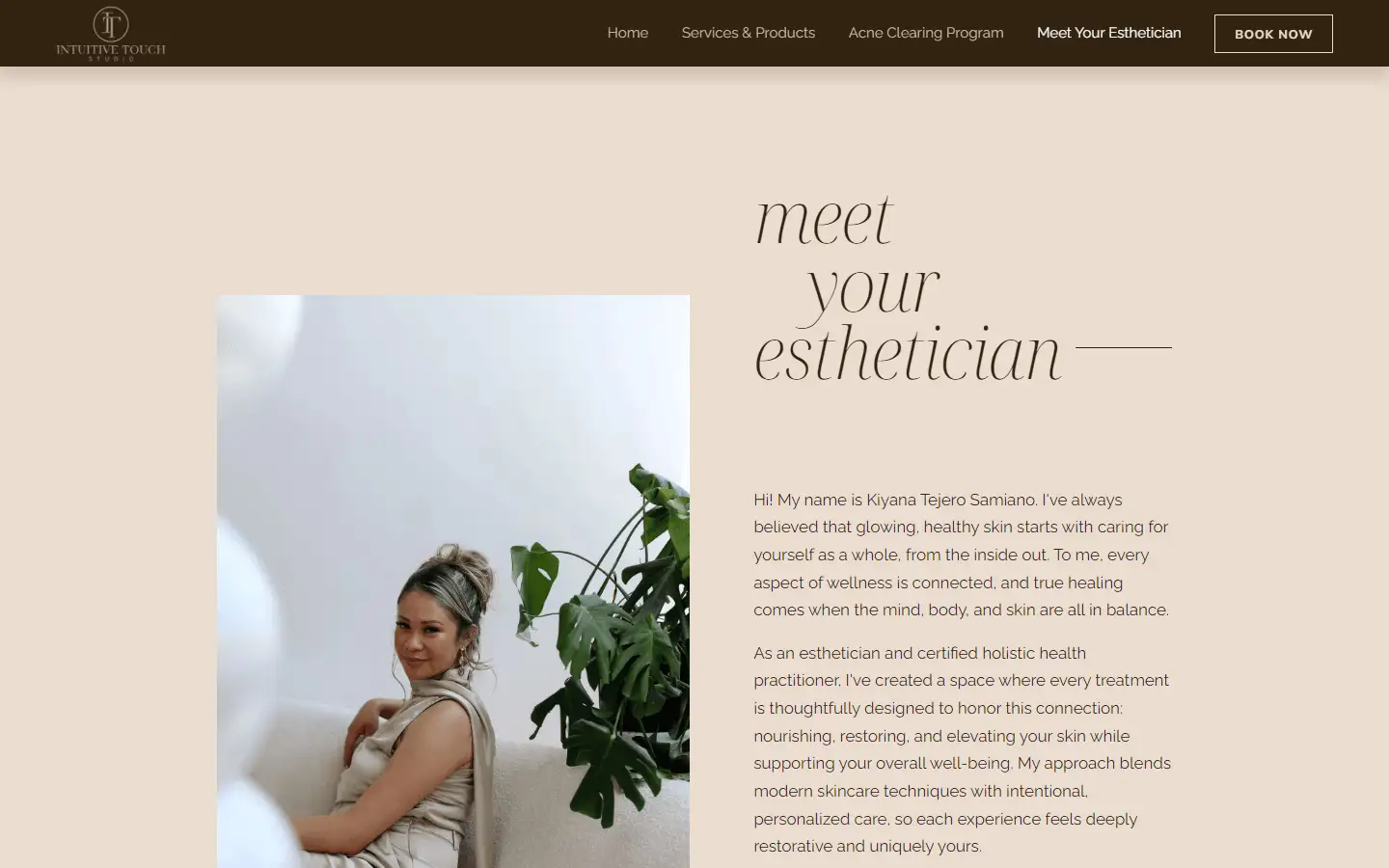
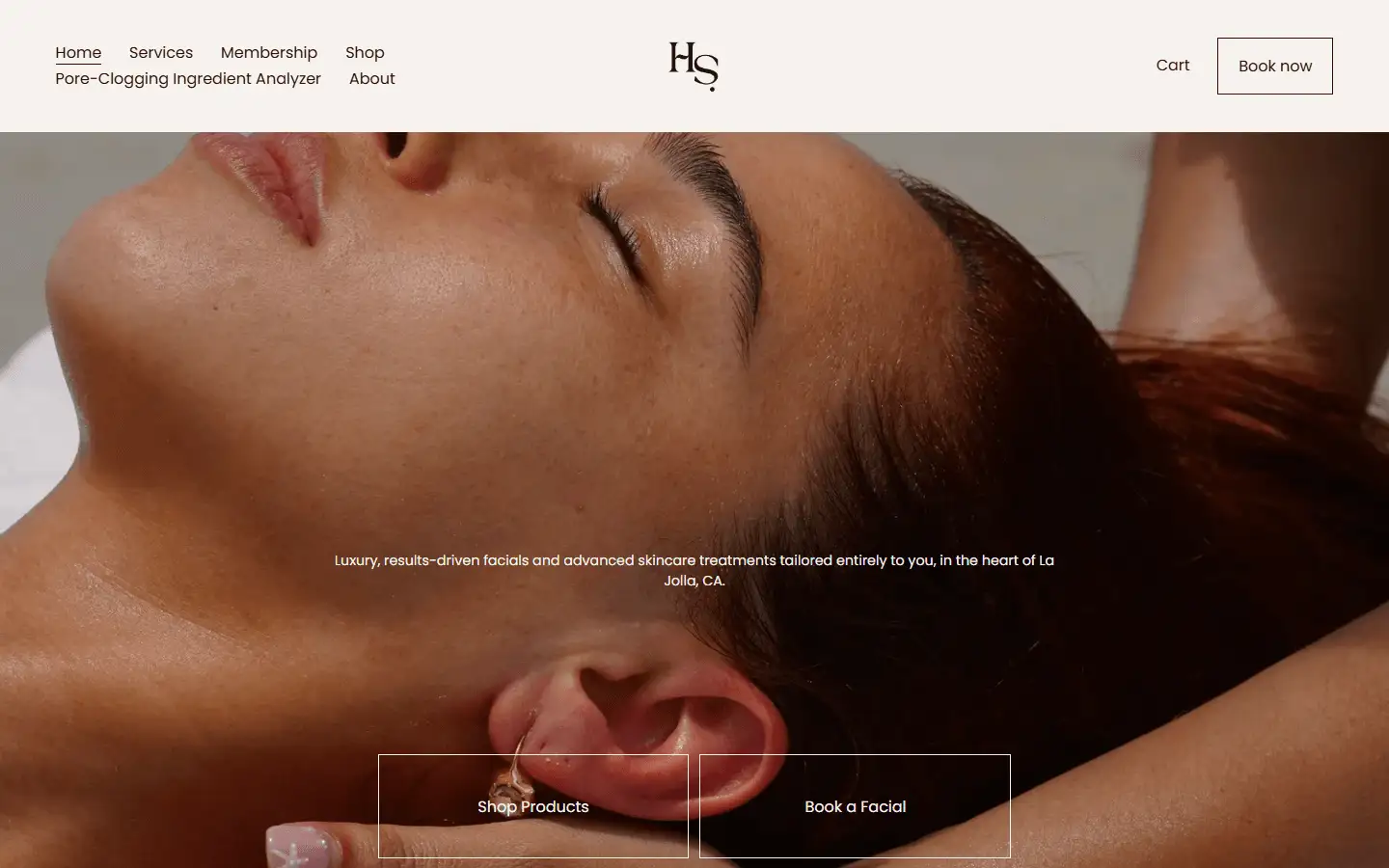
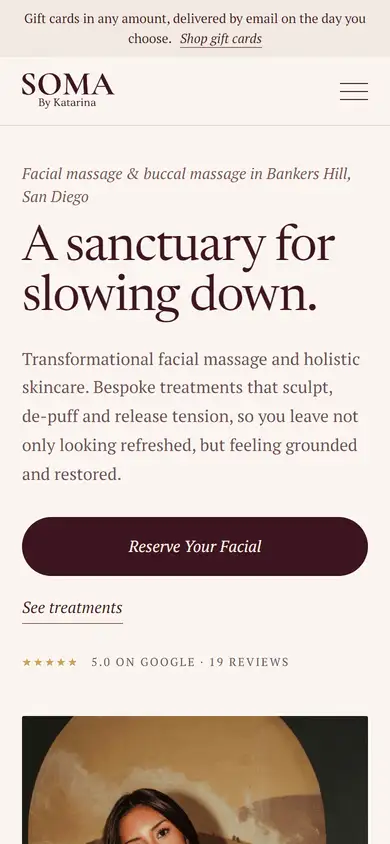
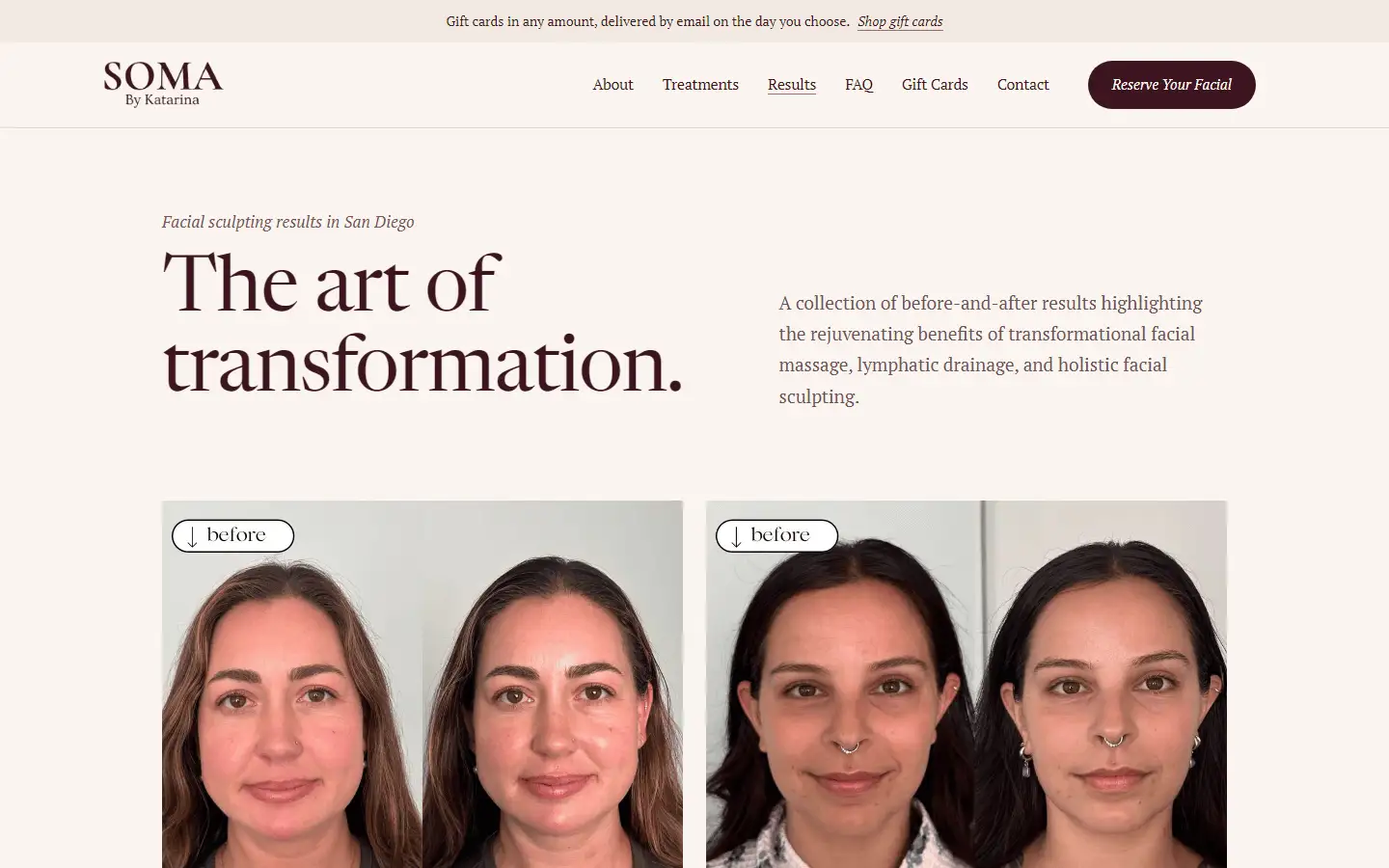
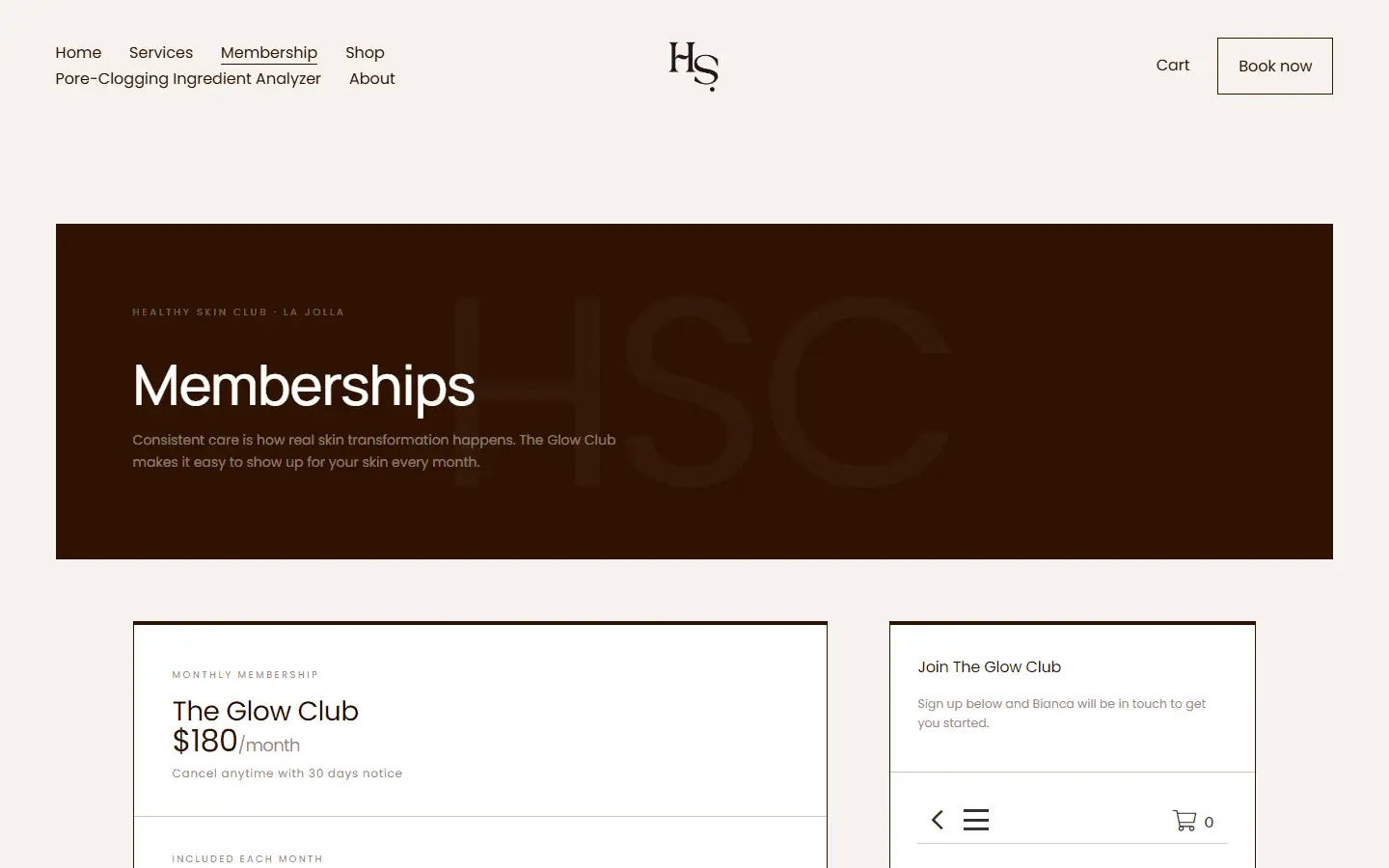
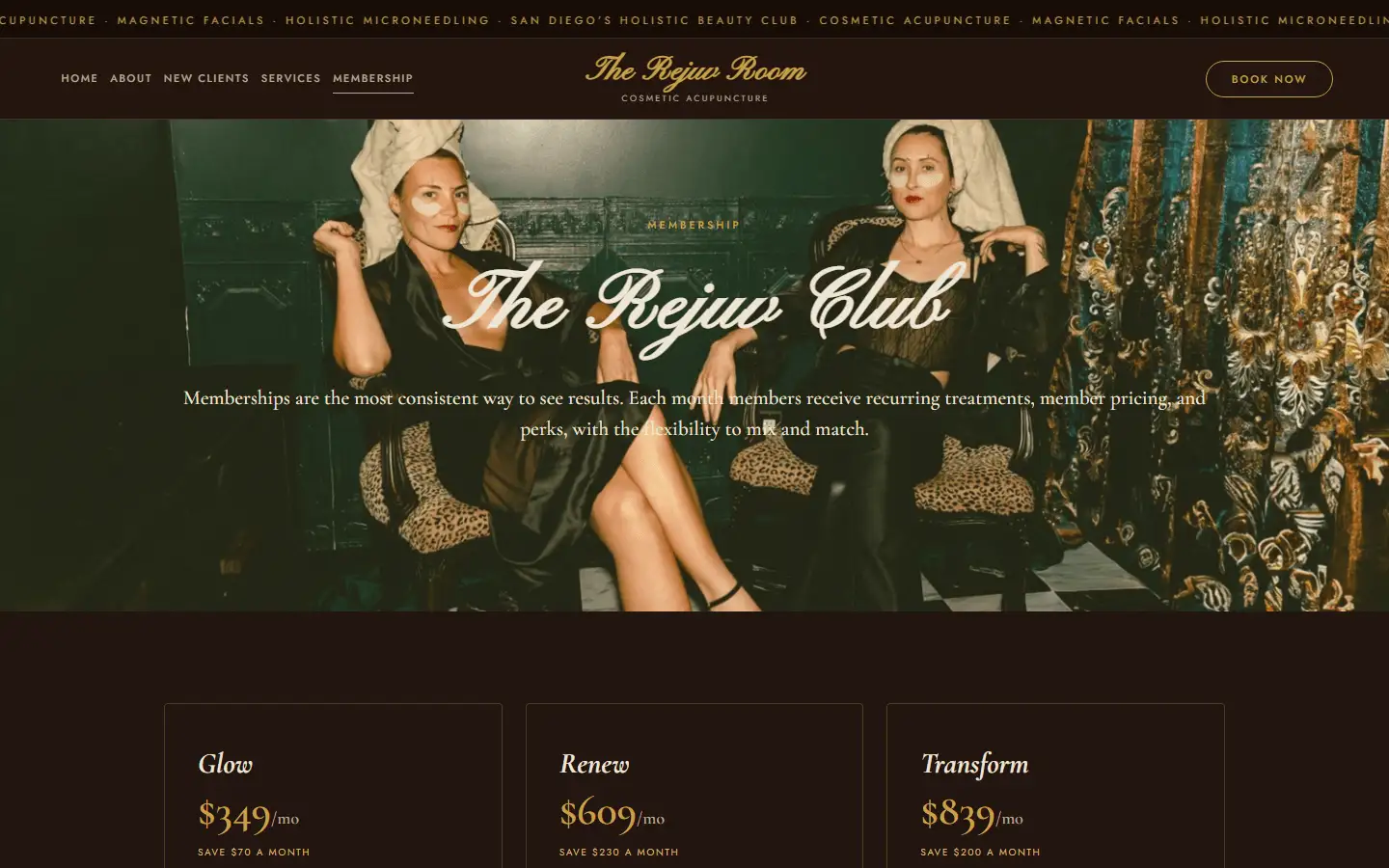
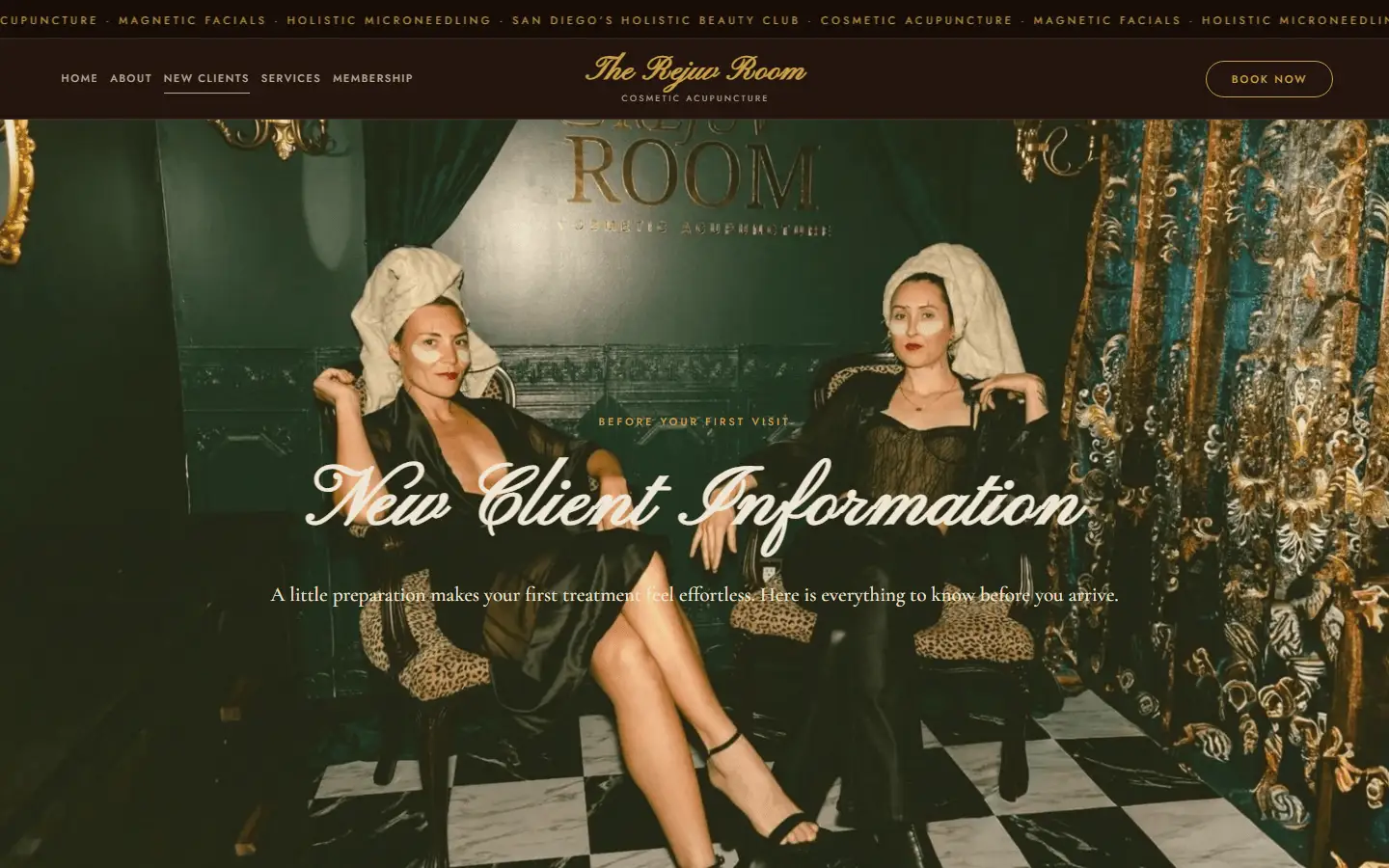
In November 2026 I rebuilt a skincare studio’s Canva site. It looked like her studio, but it told Google almost nothing. The homepage’s title was just “Home”, no page had a description, and none of the pages had a main heading. It never mentioned acne care, which is her specialty, and it had no address or hours. It named three of her services and priced none of them, so her full menu only lived on her booking page. On a phone, it shrank the desktop layout to fit.
Most of that could have been fixed inside Canva. The titles and descriptions are settings Canva gives you, and services, prices, an address and hours are words you can put on a page. I rebuilt it on Squarespace and kept her photos and her colors. Every page now has a title and description of its own, and Google gets her name, address, phone, hours and treatments with prices as structured data, all matching her Google profile.
When a Canva site is enough
For a portfolio or a link-in-bio page, Canva is a reasonable choice. The same goes for a studio whose clients all come from referrals and whose book is full. Those clients already know your name, and I wouldn’t spend money replacing a site that’s doing that job.
It matters more when you want clients who don’t know you yet, like when you add a treatment or have gaps in the week. They search for the treatment and the area, and a page about that treatment, with your neighborhood written on it, gives that search somewhere to land. You can build that page in Canva too, as long as you write the words on it.
The map above the ordinary results is a separate thing. It shows Google Business Profiles, and Google’s help says you use your profile to improve your local ranking there. Being on Canva doesn’t stop you showing on the map.
If you’re keeping Canva
- Publish it as a Website design on a custom domain.
- Turn Search engine visibility on, and leave the password off.
- Fill in the Pages tab for every page: a title, a URL path and a description, each one different. I’d put the treatment and your city or neighborhood in each title.
- Write your services, prices and hours on the page as text. If clients come to you, add your address. If you go to them, name the areas you serve, and hiding your address on Google Business Profile covers the profile side.
- Give each treatment you want more of its own page.
- Add alt text to your photos.
- Turn on Resize on mobile in Settings, and check the Mobile Preview while you edit.
- Verify your domain in Google Search Console.
- Write your name, address and phone the same way on the site and on your Google Business Profile.
If you’d rather have it rebuilt, that’s The Full Bloom: a new site built for you, with keyword targeting, structured data, Google Business Profile optimization and Search Console setup underneath it, for $1,000, once. You can run your Canva site through the free audit on the home page first, or just send it to me and I’ll take a look.
The questions this usually leads to
Short answers, and if yours isn't here, just ask.
Can a Canva website show up on Google?
Yes. Canva's help center says a published site is available for Google to crawl and index straight away, and that all the text on it gets indexed. It also says indexing can take weeks, and likely longer on Canva's free domain, where you can't use Google Search Console. Canva recommends a custom domain if search matters to you.
Do I need a paid Canva plan for SEO?
For a custom domain, yes. Canva's help says a custom domain needs a paid plan like Canva Pro, and it recommends one if search matters to you, because a site on its free domain can't use Google Search Console. Connecting Google Analytics needs a paid plan and a custom domain too. Page titles and descriptions are in the settings on the free plan as well.
Can I add structured data or schema to a Canva website?
I couldn't find a way when I read Canva's website help in November 2026. The settings it documents cover page titles, descriptions, URL paths, a favicon and Google Analytics, and none of them is a place for structured data. If you want your own, Squarespace lets you add it through Code Injection, from its Core plan up.
What does Canva's Magic SEO do?
It writes the page titles, descriptions and URL paths for every page of your Canva website at once, from what's on the pages, and Canva counts it toward your AI usage. Canva says it can't do a single page yet, and that Regenerate SEO replaces what's there, including anything you wrote yourself, with no undo. Copy your own wording somewhere first.
Is a Canva website good for a beauty business?
For a studio booked mostly by people who already know it, a Canva site is a reasonable choice. Clients who've never heard of you search for a treatment and an area, and a Canva site only meets them if its pages say what you do and where. Canva's own hosting page says its free hosting has basic SEO features that might not be enough if you want full SEO capability.
Beep me
Tell me a bit about your studio and what you'd like to fix. I read every message myself and I'll usually get back to you within a day. No pressure, and if I don't think you need me, I'll say so.