









Guide
How do I add Fresha booking to my website?
Salons, spas and solo providers who book through Fresha and have, or want, their own website4 min readSeptember 2026
The short answer
Make a booking link in Fresha under Online booking, then Link builder, and put it on a button. Fresha's help center describes its Book Now button as a booking link, and doesn't mention embedding a calendar. It says booking links need your profile listed on the Fresha marketplace, and that clients who book through your own link don't incur Fresha's new client fee.
What Fresha gives you
Fresha’s help center has an article about adding a Book Now button to your website. I read it in September 2026. The button is made from a booking link, which you create in Fresha’s Link builder and then put on your site.
Three things in that article matter before you start.
- Fresha says you must list your profile on the Fresha marketplace to activate booking links.
- It says the links take clients straight to your booking page and won’t display other businesses in your area.
- It says clients who book through them won’t incur the New client fee.
The article doesn’t mention embedding a calendar in your page, and I haven’t found an embed option elsewhere in Fresha’s help center. So I’d plan on a button.
1. Make the link
On a computer:
- From the main menu on the left, go to Online booking.
- In the left panel, select Link builder.
- Choose a link type. Link to everything lets clients book appointments and buy gift cards, memberships or products. Link to services lets you select specific services, locations or team members. There are also links for memberships and for gift cards.
- Click Create link, then click the copy icon in the pop-up.
In the mobile app, tap More, the grid icon at the bottom, then Online booking, then the Link builder tab. The options are the same.
Fresha can also generate a QR code for the link, which it suggests for business cards and your salon window.
2. Put it on a button
Any website builder that lets you add a button with a link can do this. Paste the Fresha link in as the button’s link.
On Squarespace there are three places for it. These steps are from Squarespace’s help center for version 7.1, which I read in September 2026.
A button on a page. Edit the page, hover over the section and click Add block, then Button. Click the pencil icon on the block. Type the button’s words in the Text field, which Squarespace suggests keeping under 25 characters. Then attach a link and paste your Fresha link under URL.
A button in the header. Open the Pages panel, click Edit, hover over the header and click Edit site header. Click Add elements and switch the Button toggle on. Click the new button, then Edit design, and set its text and link under Content. Squarespace says that on mobile the button always appears below your navigation links.
A link in the menu. In the Pages panel, click the + icon, then Link. Give it a title like “Book” and paste your Fresha link. There’s a toggle for opening it in a new tab.
All three are links, so they work on every Squarespace plan.
3. A link for each treatment page
If you’ve built a page for each treatment, the Book button on that page can open Fresha with only that service showing. Make a Link to services link and select the one service.
Fresha says a link for a whole service category isn’t an option. Its suggestion is to link to the first service in the category, or to make a bundle that groups those services and link to that.
For a page about one stylist, the same filters let you show only that team member. Fresha says team members can use this to have their clients book with them exclusively.
If your business name changes
Fresha says your booking link carries the venue name you set when you created your account. If the name changes and you want the link to match, you contact Fresha for a new one. Then replace every Book Now button and link, because Fresha says the previous link will no longer work.
When the link doesn’t open
Fresha’s own checklist, in its words as closely as I can keep them:
- Your business profile is listed on the Fresha marketplace.
- Your team members have scheduled shifts. Only team members with set shifts can be booked online.
- Each service you want clients to book is enabled for online booking.
- If your business name changed recently, a new link may have been generated. Replace any old links.
Your Google profile and your Instagram
Fresha has its own route to a Book button on Google, through Reserve with Google, and it has conditions your Fresha profile has to meet. They’re in adding a booking link to your Google Business Profile. On your profile, put your own site in the website field.
Instagram is a separate setup, and it’s in adding Fresha to Instagram.
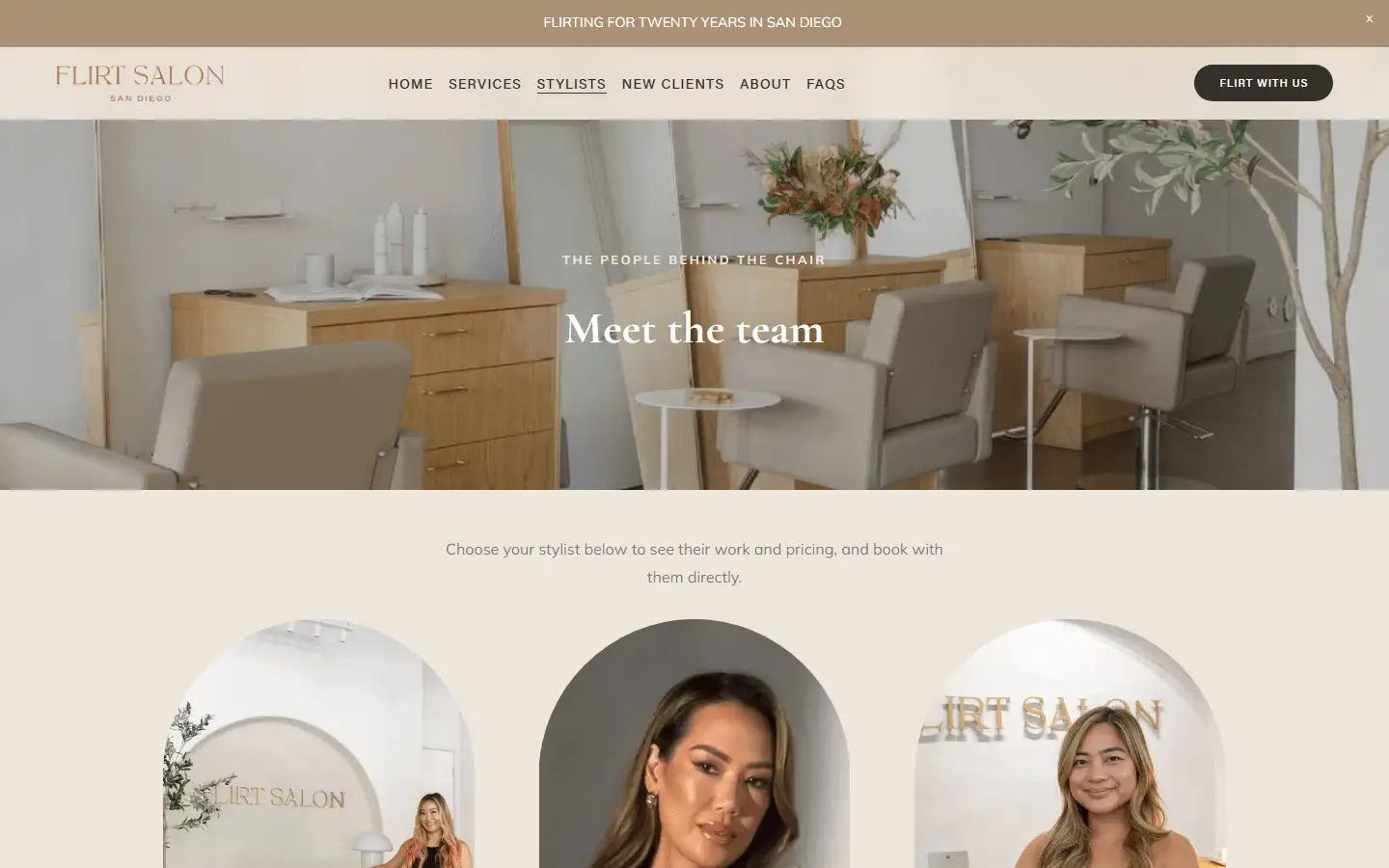
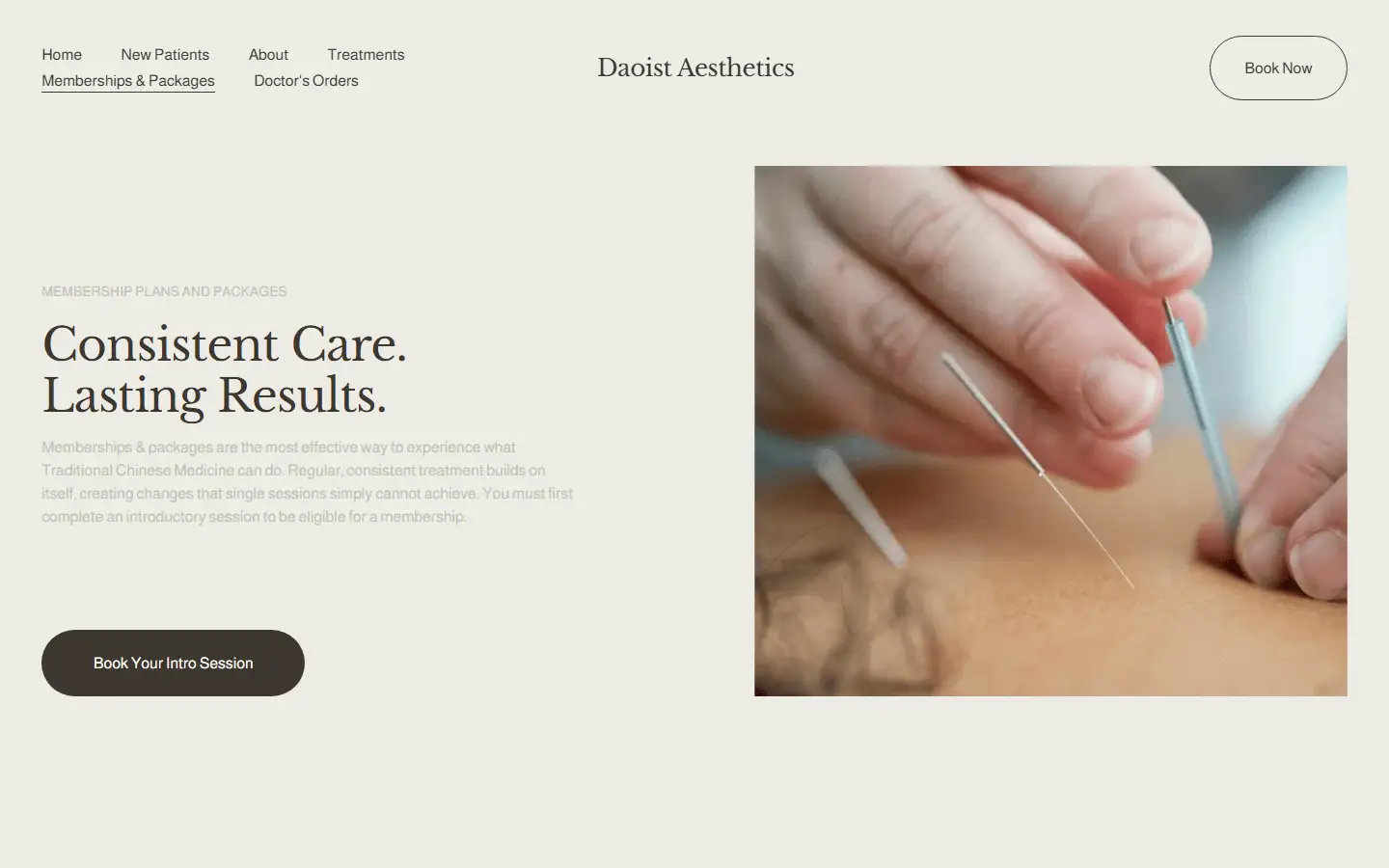
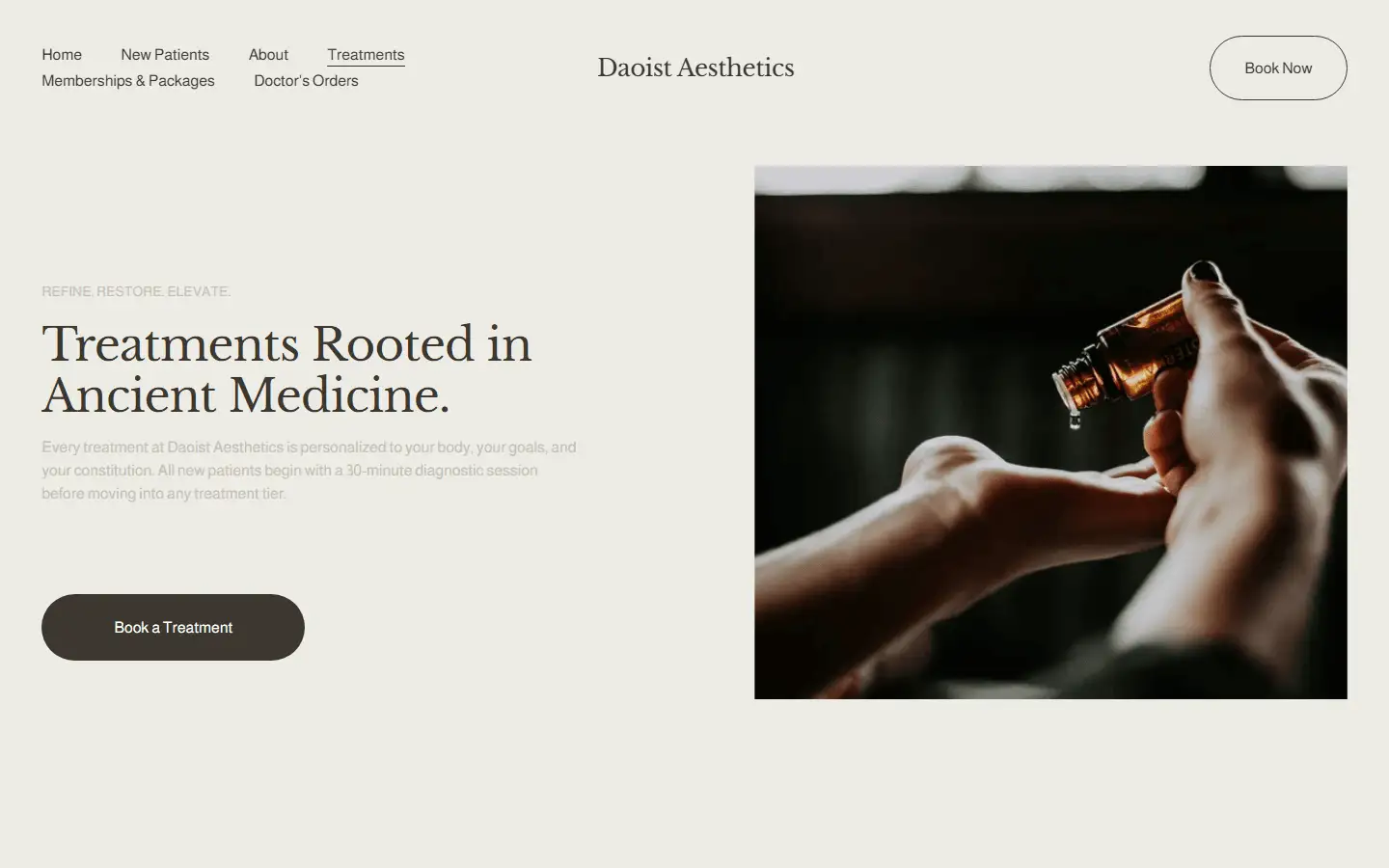
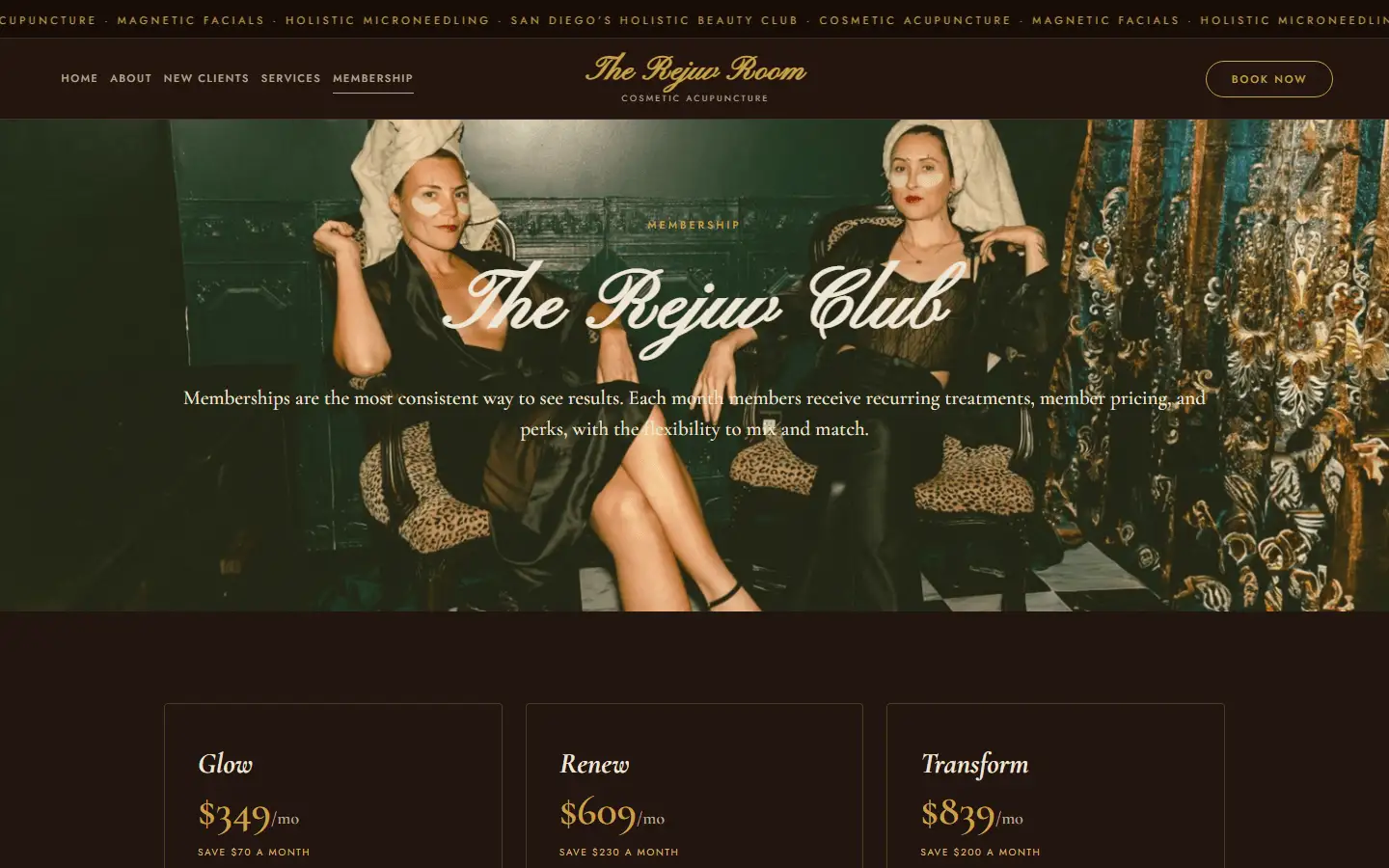
Booking page or website? covers whether a site of your own is worth it yet, and Squarespace for salons and estheticians covers the Squarespace side.
If you’d rather have it built, a new site with the search work is $1,000, once. The free audit on the home page recognizes a Fresha booking page, so you can run yours through it first.
The questions this usually leads to
Same rule as above: short answers, no hedging. If yours isn't here, just ask.
Can I embed Fresha booking in my website?
Fresha's help article about a Book Now button uses a booking link, and I haven't found an embed option in its help center. So I'd plan on a button that opens your Fresha booking page. If embedding matters to you, ask Fresha before you design a page around it.
Does Fresha work with Squarespace?
Yes, as a link. A Squarespace button, header button or menu link can point at your Fresha booking link, and links work on every Squarespace plan. Fresha's article doesn't name Squarespace or any other website builder.
Can I make a Fresha booking link for one service or one team member?
Yes. In the Link builder, choose Link to services and pick the specific services, locations or team members it should show. Fresha says there's no link for a whole service category, so link to the first service in the category or to a bundle that groups them.
Does Fresha charge for clients who book through my website?
Fresha says clients who book through your booking links won't incur its New client fee. Its help center says that fee only applies when a client first discovers your business on the Fresha marketplace, isn't already on your client list and goes on to book online.
Why isn't my Fresha booking link working?
Fresha lists four things to check. Your profile is listed on the Fresha marketplace. Your team members have scheduled shifts, since only team members with shifts can be booked online. Each service you want booked is enabled for online booking. And if your business name changed recently, a new link may have been made, so replace the old one.
Beep me
Tell me about your studio and what you're trying to fix. I read every message myself and usually reply within a day.